How to Use a Public Charging Station Step by Step
To use a public charging station, plug in, authorise the session with the app, card, or tap method shown on the charger, then stop the session before unplugging; DC units may reverse the order. Miss a step, and you can waste time, fail payment, or leave the plug locked until the timeout ends. This guide covers first-time use on AC and DC stations in Australia, plus fixes for app, connector, charger, and payment failures.
Public charging basics
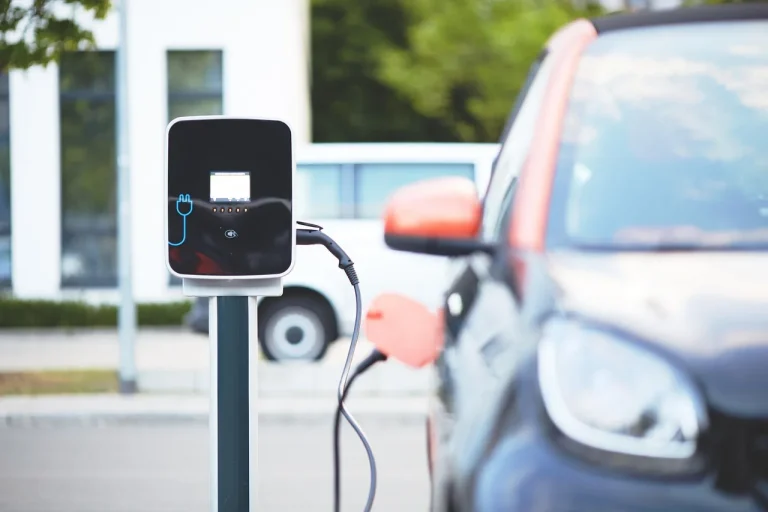
Public EV charging falls into two jobs, AC charging for longer stops and DC charging for faster top-ups. The charger may be tethered, with a fixed cable attached, or untethered, which means you bring your own cable. Check the connector type before you park, because a bay can be live and still unusable for your car.
AC versus DC charging
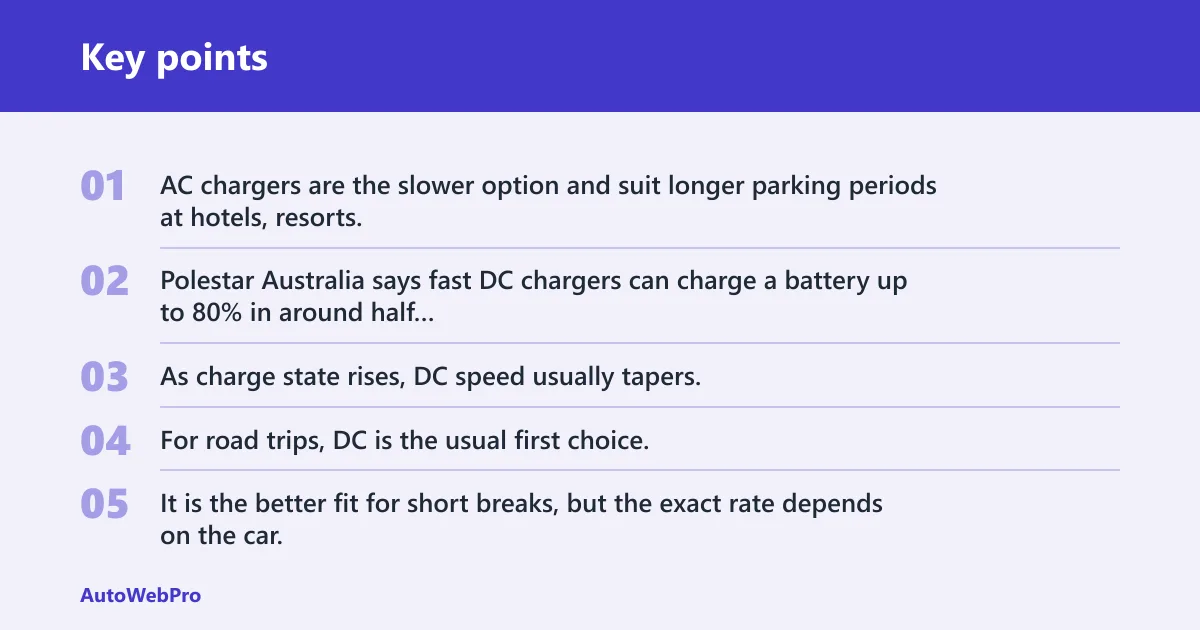
AC chargers are the slower option and suit longer parking periods at hotels, resorts, workplaces, and municipal sites. Polestar Australia says fast DC chargers can charge a battery up to 80% in around half an hour, while AC chargers are more suitable for a longer parking period. As charge state rises, DC speed usually tapers, so the last part of the session takes longer than the first.
For road trips, DC is the usual first choice. It is the better fit for short breaks, but the exact rate depends on the car, charger power, battery temperature, and how full the battery already is. BYD UK notes that rapid and ultra-rapid chargers can be 50 kWh to 350 kWh.
Tethered versus untethered stations
A tethered station has its own cable hanging from the charger. An untethered station needs your cable, which is common enough that you should check before you leave home. The same source says some public charging stations are untethered and require your own cable.
The failure point here is simple: many first-time users arrive with the wrong expectation. If the charger is untethered and you have no cable, you cannot begin. If it is tethered, you do not need to unpack your own lead.
Connector compatibility before you park
Check the car’s inlet and the charger’s connector type before you reverse into the bay. The same source lists CHAdeMO, CCS, and Type 2 as connectors used by rapid chargers. The same source says its cars use the Type 2 standard connector, which is common on many AC public chargers in Australia.
If the car and charger do not share a connector type, the session will stop before it starts. That is the most common avoidable failure. A station can be public and powered, yet still be the wrong fit.
What connector do you need for a public charging station?
You need the connector that matches both the car’s inlet and the charger’s output type. In Australia, Type 2 is commonly used for AC charging, while CCS is commonly found on many DC fast chargers. CHAdeMO still appears on some public rapid chargers, but support varies by vehicle and by site.
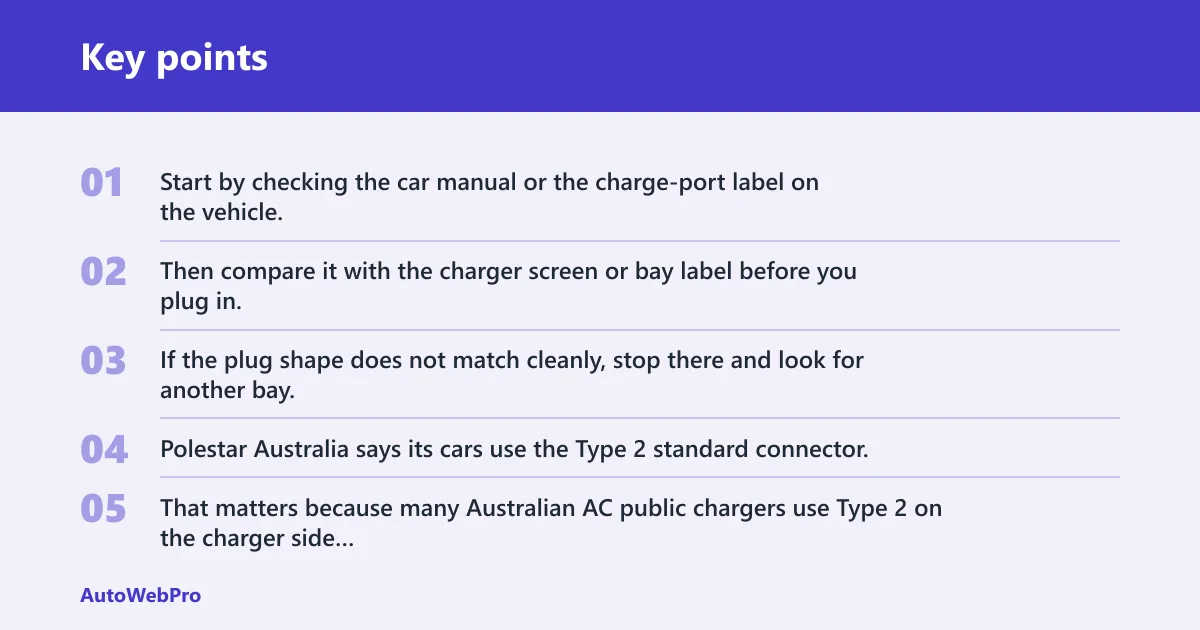
Start by checking the car manual or the charge-port label on the vehicle. Then compare it with the charger screen or bay label before you plug in. If the plug shape does not match cleanly, stop there and look for another bay.
Type 2 for many AC chargers
The same source says its cars use the Type 2 standard connector. That matters because many Australian AC public chargers use Type 2 on the charger side and Type 2 on the vehicle side, or a tethered Type 2 lead. If your AC bay offers Type 2 and your car accepts it, that is usually the simplest public charge to start.
CCS for many DC fast chargers
CCS is common on public DC chargers. It combines the AC inlet style with extra pins for rapid charging, so it looks different from a plain Type 2 AC plug. If your car supports CCS, look for that label at the bay before you trust the charging app listing.
CHAdeMO where available and supported
CHAdeMO appears on some public rapid chargers, but vehicle compatibility varies. A station may offer it, yet your car may not. If the plug shape or charger label says CHAdeMO and your vehicle does not list it, move to a CCS or Type 2 option that matches the car.
Say your EV accepts Type 2 for AC but only CCS for DC. You arrive at a site with a tethered Type 2 AC bay and an untethered CCS DC bay. The AC bay works without your own cable, while the DC bay needs the right connector on both sides plus a successful session start.
How do you start a public charge?
Most public charging stations begin with app sign-in, an RFID fob or card tap, or a credit or debit card where the station supports it. The exact order varies by network. Follow the screen prompts on the charger, then watch for the session to move from idle to active.
App-based start and stop
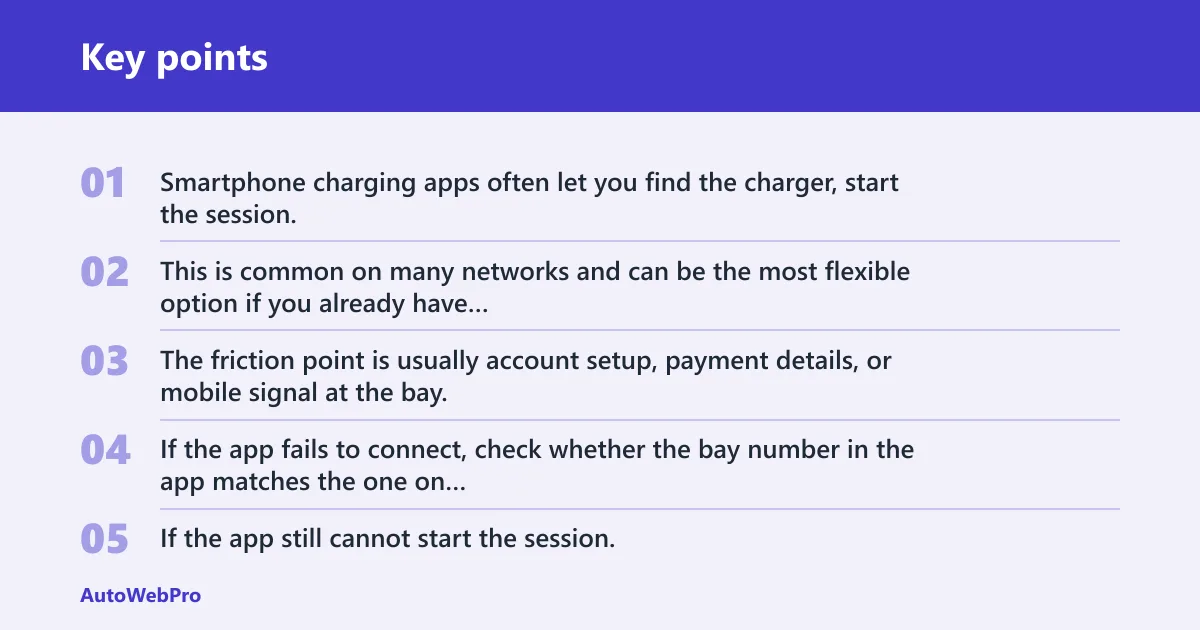
Smartphone charging apps often let you find the charger, start the session, stop the session, and watch charging progress. This is common on many networks and can be the most flexible option if you already have the app set up. The friction point is usually account setup, payment details, or mobile signal at the bay.
If the app fails to connect, check whether the bay number in the app matches the one on the charger. Then retry once. If the app still cannot start the session, use the charger screen if a card or RFID option is available.
RFID fob or card tap-to-authenticate
Some charge point operators use an RFID fob or card for access. The same source says one RFID card can consolidate charging payments into one monthly invoice. That can be useful if you want one bill instead of many small ones from different sites.
The common failure point is a poor tap or an unregistered card. Hold the card against the reader area until the charger confirms the tap. If nothing changes, try again once and then switch to the app or another supported method.
Credit or debit card payment at the charger
Some stations let you pay with a credit or debit card directly at the charger. That can be the simplest option if the charger has a contactless reader and no app is required. The same source says cash is rarely used at public charging points.
If the card reader rejects the card, check whether the charger needs a different payment method or whether the card has contactless enabled. A failed card tap does not always mean the charger is broken. It can mean that particular station does not support your card type or requires pre-approval in the app.
How do you tell charging has started?
Charging has started when the car display, the charger lights, the app, or the session timer shows active power flow. The same source says charging is usually confirmed by blinking LED lights, the app, or the dashboard. If none of those change, the car may be plugged in but not actually charging.
Dashboard or infotainment confirmation
Check the car screen first. Many EVs show a charging symbol, estimated time, power level, or state of charge. If the vehicle display still says “plugged in” but not “charging,” the session may not have authenticated or the connector may not be locked.
Charger lights and screen status
Look at the charger itself. A blinking or changing light pattern often means the station is communicating with the car. If the screen still says idle, fault, or awaiting authorisation, the charger has not started the session. Read the prompt before you tap again, because some units need a second confirmation.
App session timer and power flow
If you started in an app, the timer should move from stopped to running, and power should appear on the session screen. If the app shows “starting” for more than a short wait, the connection may have stalled. Stop and restart only if the charger instructs you to do that.
A common first-timer mistake is walking away after a successful plug-in. Picture a driver at a fast DC bay, phone in hand, but the app still shows “authorising.” The car is connected, yet no current is flowing, so the fix is to confirm the charger screen or retry the start method before leaving the bay.
First public charge checklist
This checklist matches the usual first session flow. Use it as a quick check at the bay, especially if you are switching between AC and DC chargers or between app, RFID, and card methods.
| Step | What to look for on the charger or car | What to do if it fails |
|---|---|---|
| Choose the bay | Connector type, power label, tethered or untethered cable, and whether the bay is free | Move to a matching bay before you park fully |
| Tethered station | Fixed cable already attached to the charger | If the cable is missing or damaged, do not force it; choose another stall |
| Untethered station | Socket only, with no fixed cable on the charger | Use your own compatible cable, or leave if you did not bring one |
| Connect the plug | Plug seats fully in the car port and, on some cars, the lock pin engages | Check for debris, wrong connector type, or a door that is not fully open |
| Start with app | Correct bay number, active account, and session status changing to active | Retry once, then switch to RFID or card if the station supports it |
| Start with RFID | Reader accepts the tap and the screen changes from idle to authorising | Tap again slowly, or use the app if the card is not recognised |
| Start with card | Contactless reader accepts the credit or debit card and authorisation completes | Try another supported payment method or another card if the terminal rejects it |
| Confirm charging | Dashboard, app, or charger shows active charging, timer running, or blinking LED confirmation | Recheck the connector lock, then restart the session only if the charger instructs it |
| Unplug and release | Session ended, lock released, and connector comes free without force | End the session again, wait for the release prompt or sound, then try once more |
What if the charger will not work?
If the charger will not work, isolate the failure point in this order: plug fit, communication, then payment or authorisation. A charger that looks available may still reject the car because of connector mismatch, a locked connector, a failed tap, or a stalled app session. Treat each fault separately.
The plug will not fit or the wrong connector is installed
If the plug does not fit, stop. Do not force it. Type 2, CCS, and CHAdeMO are different shapes, and some stations only offer one of them. If the connector type is wrong for your car, choose a different bay or a different site before you spend more time on the session.
The car and charger will not handshake or lock
If the charger and car will not handshake, the session may begin but never move to active charging. Check that the plug is fully seated and that the car has accepted the connector. Some EVs need the port door open in a certain way, or a lock pin needs time to engage before power starts.
Suppose the charger screen says authorising, but the car still shows no charge. The most likely next action is to remove the plug, wait for the cable lock to release, then reconnect carefully and start the session again. If it fails a second time, switch to another connector or another station.
The session will not start after payment or authentication
If the payment or tap succeeds but charging does not begin, the station may need a second confirmation or the app may have linked to the wrong bay. Check the bay number, the charger screen, and the session status in the app. If the car still does not charge, end the attempt and start over only once.
How do you stop and unplug safely?
Stop the session first, then unplug. That order matters because many chargers lock the connector until the session ends. Once the charger confirms the stop, wait for the release prompt or sound, remove the connector without yanking, and return any cable neatly if the station is untethered.
End the session first
Use the app, RFID system, or charger screen to end the session. Some stations will release the plug only after payment or authorisation is closed. If the connector stays locked, wait for the release delay rather than forcing the latch.
Release the connector without forcing it
Press the release button only if the vehicle requires it, and never pull against a locked latch. If the plug does not come free, check the car display for a lock icon or a session-still-active message. Then wait a few seconds and try again.
Leave the bay clear and return the cable if needed
Pull out only after the connector is free. Coil the cable if the charger uses one, place it back in its holder, and keep the bay clear for the next driver. At busy sites, especially DC stops, that small step avoids blocking the only usable bay.
How do you get a charging station and plan ahead?
You find public charging through route planning tools, in-car maps, and charging apps. The same source says Google Maps can display charging points along the way. That is useful for battery-aware planning, because you can decide where to stop before the battery gets low and avoid arriving at a fully occupied site.
Check charger availability, connector type, and power level before you leave. Polestar New Zealand says there are more than 800 public charging locations, which gives a sense of how often a driver can plan around alternatives. For a trip, load a backup site as well as the first choice.
If you want a route plan, search for charging stops with the right connector and power level, then compare them with the car’s estimated range. A higher kWh figure usually means faster charging, but only if the car can accept that rate. For AC stops, choose a location where you can park longer without pressure.
Frequently asked questions
How do I use a public EV charging station step by step?
Park at a bay that matches your connector, check whether the charger is tethered or needs your own cable, connect the plug, and start the session with the app, RFID card, or payment method shown on the charger. Confirm charging has started, then end the session before unplugging.
Do I need an app or RFID card to start public charging?
Often, yes, but not always. Some stations use a smartphone app, some use an RFID fob or card, and some accept a credit or debit card at the charger. The best first move is to read the charger screen before plugging in, because the start method varies by site.
How do I know if my EV is charging at a public station?
Look for confirmation in the dashboard, the charging app, or the charger screen. Blink patterns or status lights on the charger can also confirm the session. If the display still says idle, awaiting authorisation, or plugged in without charging, the session has not started properly.
How do I pay at a public charging station?
Payment may happen through an app, an RFID account, or a contactless credit or debit card reader. Cash is rarely used at public charging points. If one method fails, look for a supported backup at the same station before you assume the charger is out of service.
What should I do if the charger plug does not fit my car?
Stop immediately and do not force the connector. The bay may be the wrong connector type, such as CCS instead of Type 2, or the station may not support your vehicle’s inlet at all. Move to a matching charger or check the site map for another public unit nearby.
How do I stop and disconnect from a public charger safely?
End the session first in the app, on the charger, or through the RFID system, then wait for the connector to unlock. Pull the plug out gently, and return the cable if the charger is untethered. If the latch stays locked, wait and try again rather than forcing it.