Does My Car Support Wireless CarPlay?
If your car opens Apple CarPlay after the first pairing, then later reconnects without a USB cable, it supports wireless CarPlay. A cable-only connection means wired-only. Buying a dongle or head unit for the wrong setup wastes money and can leave you with unsupported hardware. This guide shows the fastest ways to check by year, trim, settings, and adapter type.
Wireless CarPlay quick check
Wireless CarPlay typically needs a compatible infotainment head unit, in-vehicle Wi‑Fi, and Bluetooth for the initial handshake. Bluetooth alone is not enough for wireless projection. The car, not just the iPhone, has to support the feature. If the answer is unclear, separate factory support from retrofit options before you buy anything.
The fastest yes/no path
- Connect your iPhone once using the method the car asks for.
- On the next drive, see whether CarPlay opens without a USB cable.
- If it still needs USB, treat it as wired-only unless a trim-specific lookup says otherwise.
- If the car has wired CarPlay but not wireless, an adapter may be the right fix.
- If the car has no CarPlay hardware, an adapter will not add it.
Wireless projection can reconnect automatically each time you enter the vehicle after the first setup. That behavior is a strong clue that the head unit supports wireless use, even if the vehicle’s marketing material only says “CarPlay” in general terms.
Wireless CarPlay support checker
| Situation | What to look for in the car | What it means | Next step |
|---|---|---|---|
| Factory support confirmed | CarPlay starts without USB after initial setup; it reconnects on its own on later drives. | The head unit supports wireless CarPlay from the factory. | Use the built-in system. No dongle needed. |
| Wired CarPlay only | CarPlay works only through a USB port and stops when the cable is removed. | The car supports CarPlay, but only in wired mode. | Use a CarPlay adapter or upgrade the head unit if you want wireless use. |
| No CarPlay hardware | No CarPlay option appears in the infotainment system, or the vehicle never prompts for CarPlay setup. | The head unit does not support CarPlay at all. | Skip adapters. Look at an aftermarket head unit instead. |
| Uncertain trim or package | Some listings mention CarPlay, but not your exact trim, package, or model-year build. | Wireless support may be trim-specific or excluded by package. | Check the VIN/build sheet and the manufacturer’s compatibility page. |
| Aftermarket head unit | The dash has a nonfactory radio or replacement screen. | Wireless support depends on the aftermarket unit, not the original vehicle spec. | Check the head unit’s own CarPlay support page and setup menu. |
| Adapter ready | The car has wired CarPlay through USB and no wireless CarPlay. | A retrofit dongle can add wireless use without replacing the whole system. | Choose a compatible adapter and follow its pairing steps. |
Does your car have factory wireless CarPlay?
Factory wireless CarPlay is present when the vehicle’s own infotainment system opens CarPlay without a cable after the first pairing step. You do not need a visible hotspot menu to prove it, and a Bluetooth menu by itself is not enough. The key question is whether the head unit supports wireless projection.
Check the infotainment settings
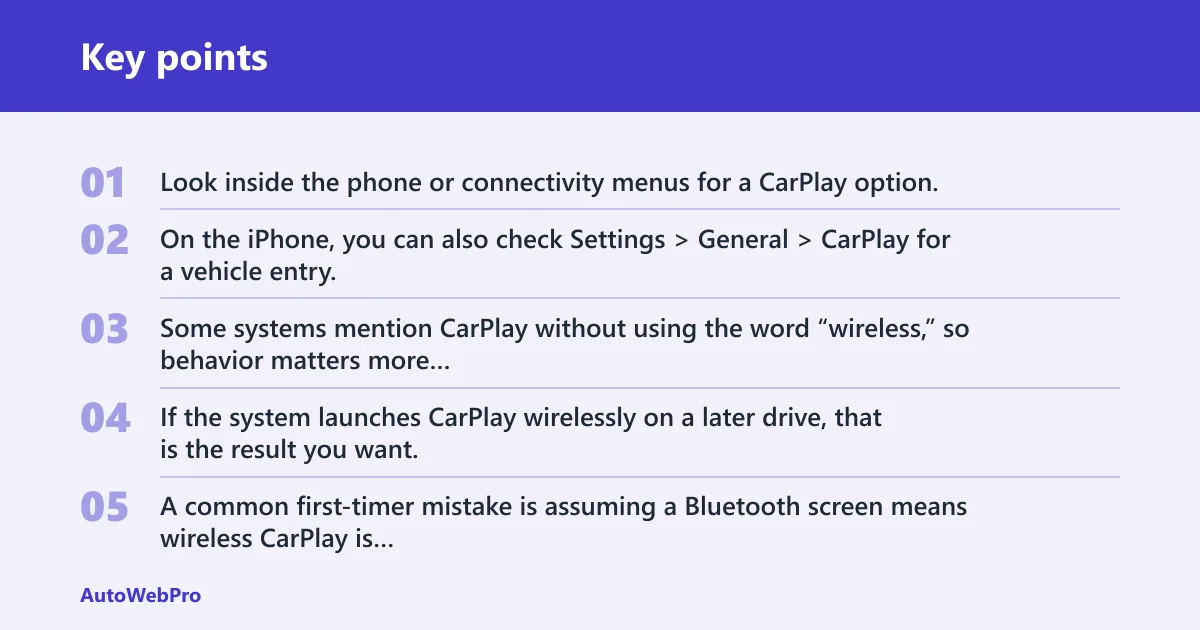
Look inside the phone or connectivity menus for a CarPlay option, then try the connection with the USB cable removed after setup. On the iPhone, you can also check Settings > General > CarPlay for a vehicle entry. Some systems mention CarPlay without using the word “wireless,” so behavior matters more than label language. If the system launches CarPlay wirelessly on a later drive, that is the result you want.
A common first-timer mistake is assuming a Bluetooth screen means wireless CarPlay is active. Bluetooth handles pairing and the handshake in many systems, but it does not carry enough data by itself for wireless projection. The car still needs the right head unit and Wi‑Fi hardware.
Check the build sheet or VIN lookup
Build sheets and VIN-based compatibility pages are useful when the trim is unclear. They are better than a generic owner’s manual, because manuals often cover multiple trims and package combinations. Use them to confirm whether your exact vehicle came with the right infotainment hardware.
Be careful with broad listings. Wireless support may be present on one trim and absent on another, even for the same model year. Some vehicles may gain support through manufacturer updates if the hardware is already installed.
Check model year, trim, and package
Factory wireless support often starts on newer vehicles, though the rollout depends on make, model, trim, and package. The feature began in higher-end vehicles from BMW and Mercedes, and affordable cars from Honda, Hyundai, Chevy, Ford, and more now offer wireless support. Some compatibility lists focus on newer BMW models.
Picture a 2020 mid-trim SUV with wired CarPlay listed in the brochure. If the same model’s higher trim got wireless CarPlay, the lower trim may still need USB even though the dashboard and screen look identical. That difference usually comes from the infotainment package, not the phone.
How do you tell wired from wireless CarPlay?
Wired CarPlay needs USB every time. Wireless CarPlay starts after the first setup and then reconnects without the cable on later drives. If the phone only launches CarPlay while plugged in, the car is operating as wired-only, even if Bluetooth is active for calls and audio.
USB-only behavior
If unplugging the iPhone drops CarPlay immediately, that is wired CarPlay. If the car later reconnects on its own without USB, that is wireless support. This is the clearest owner-level test because it checks actual behavior, not marketing language.
Bluetooth pairing is not enough
Bluetooth can be present on cars that still do not support wireless CarPlay. That is normal. Wireless projection uses Wi‑Fi for the data link after setup, and the vehicle’s infotainment hardware has to support that path.
What a wireless-capable head unit usually does
A wireless-capable head unit typically stores the phone pairing and launches CarPlay automatically on later starts. Some systems do this without exposing a separate Wi‑Fi menu to the driver. That is why a hidden or absent Wi‑Fi screen does not automatically mean the car lacks wireless support.
Why does your car not have wireless CarPlay?
The usual reasons are missing head unit support, a trim-level exclusion, an older model year, or no CarPlay hardware at all. The issue is often inside the infotainment system, not in the iPhone. If the vehicle was built with wired-only CarPlay, the phone cannot force wireless support into it.
Missing head unit support
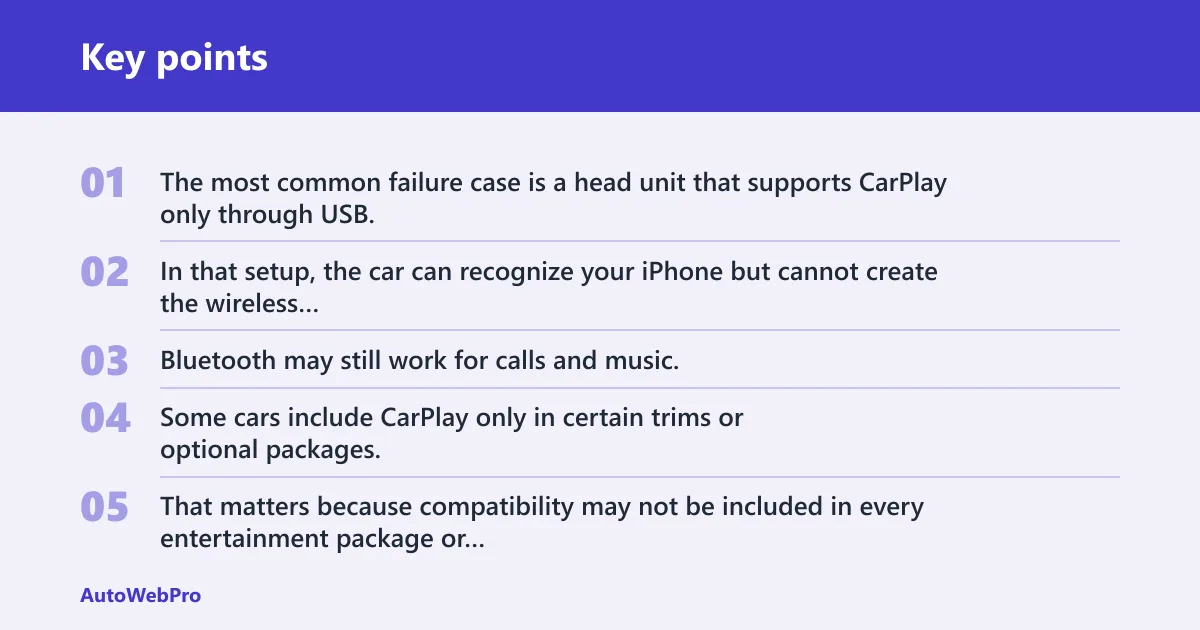
The most common failure case is a head unit that supports CarPlay only through USB. In that setup, the car can recognize your iPhone but cannot create the wireless projection link. Bluetooth may still work for calls and music.
Trim-level exclusions
Some cars include CarPlay only in certain trims or optional packages. That matters because compatibility may not be included in every entertainment package or trim level. A higher trim can have wireless support while the lower trim in the same model year does not.
Older model year limits
Older vehicles may never have had wireless support from the factory, even if they have a USB CarPlay port. Some vehicles may still get wireless support through manufacturer updates if the hardware is already installed.
Suppose a 2018 sedan has CarPlay through USB, Bluetooth calling, and no wireless CarPlay on the infotainment screen. That setup points to wired-only hardware, not a phone problem. A dongle can help there; a missing CarPlay system cannot.
No CarPlay hardware at all
If the car does not support CarPlay in any form, an adapter will not add it. In that case, the practical fix is an aftermarket head unit that supports wireless CarPlay. That is a different path from retrofitting a wired CarPlay system.
Can you make your car support wireless CarPlay?
Yes, if the car already has wired CarPlay. A CarPlay adapter or dongle can create a wireless connection to the phone through the vehicle’s USB port. If the car has no CarPlay hardware, the better fix is an aftermarket head unit that supports wireless CarPlay directly.
When a CarPlay adapter helps
Adapters are for wired CarPlay systems that need a wireless bridge. They plug into the car with USB and use Wi‑Fi to connect to the phone.
Use this route only when wired CarPlay already works. An adapter does not create CarPlay from nothing. It changes a wired USB CarPlay setup into a wireless one.
When an aftermarket head unit is the fix
If the car lacks CarPlay entirely, a replacement head unit is the direct fix. That is the point where you buy a unit that explicitly supports wireless CarPlay instead of trying to retrofit the factory system. Check the manufacturer’s listing for your model before ordering.
When the car cannot be upgraded cheaply
Some vehicles sit in the gray zone: no factory wireless support, no compatible USB CarPlay port, and no practical retrofit path worth the cost. In that case, replacing the head unit is usually the only clean option. If the dash is heavily integrated, the cost and labor can be much higher than a simple adapter.
Wireless CarPlay support checklist
Use this checklist when the car’s spec sheet is unclear. It separates factory wireless support from wired-only CarPlay and from retrofit options, so you do not buy the wrong fix.
- Confirm whether CarPlay works without USB after the first pairing.
- Check whether CarPlay appears in the infotainment settings.
- Look up the VIN or build sheet if trim-level differences are possible.
- Check the manufacturer’s compatibility page for your exact model year and trim.
- Verify whether the car has wired CarPlay only or no CarPlay hardware at all.
- If wired-only CarPlay is confirmed, compare adapter cost with a head-unit upgrade.
Frequently asked questions
Does my car support wireless carplay?
It does if CarPlay starts after the first pairing and then reconnects without a USB cable. If it only works when plugged in, the car is wired-only. For a quick fallback check, open Settings > General > CarPlay on the iPhone and look for the vehicle name, then verify the car’s trim and package if needed.
Does my car have wireless carplay?
Your car has wireless CarPlay if the head unit launches CarPlay automatically after setup and keeps working without USB on later trips. Do not rely on Bluetooth alone. Bluetooth is part of the setup in many systems, but the wireless data link depends on the car’s infotainment hardware and Wi‑Fi support.
Does my vehicle support wireless carplay?
Support varies by model year, trim level, and package. The quickest way to narrow it down is to test whether CarPlay reconnects without the cable after setup, then confirm the exact build with the VIN or compatibility page. Broad model-year assumptions can miss trim differences.
Can my car support wireless carplay?
Your car can support wireless CarPlay only if its infotainment head unit supports wireless projection. If it already has wired CarPlay, an adapter may be enough. If it has no CarPlay hardware, you will need an aftermarket head unit instead of a dongle.
Does my car support wireless apple carplay?
The answer is the same as for wireless CarPlay. Apple CarPlay wireless mode still depends on the car’s head unit, not only the iPhone. Check whether the system opens CarPlay without a USB cable after initial setup, then confirm any trim or package differences through VIN or build-sheet lookup.
Can I make my car have wireless carplay?
Yes, if the car already has wired CarPlay. A compatible wireless adapter can add wireless use through the USB port. If the vehicle has no CarPlay at all, the practical fix is a compatible aftermarket head unit.
Does my car have wired or wireless carplay?
If CarPlay requires a USB cable every time, it is wired. If it connects after the first pairing and then works without the cable, it is wireless. Some cars offer both, but many factory systems only support one mode, so the behavior on the next drive matters most.
Why does my car not have wireless carplay?
The most common reasons are a wired-only head unit, a trim-level exclusion, an older model year, or no CarPlay hardware. Bluetooth presence does not prove wireless CarPlay, and a missing Wi‑Fi menu does not rule it out. Confirm the exact vehicle build before deciding on a fix.