Why Is My Phone Not Pairing with My Car Bluetooth?
If your phone won’t pair with your car Bluetooth, check three layers in order: phone settings, the car’s saved-device list, then compatibility or software limits. Skipping the wrong layer wastes time and can leave you with no calls, no music, and a Bluetooth link that keeps failing. This guide shows how to diagnose pairing failure, auto-reconnect failure, and connected-but-no-audio problems, then fix each one.
Bluetooth triage table
| Symptom | Likely cause | Quickest test | Next action |
|---|---|---|---|
| Phone cannot find the car, or the car cannot find the phone | Pairing mode is off, Bluetooth is off, or an old saved record is blocking discovery | Turn Bluetooth on, put the car in pairing mode, and check whether the car appears in the phone’s paired-device screen | Delete the old pairing on both sides, then pair again from scratch |
| Phone paired before, but no longer reconnects automatically | Corrupted pairing data, too many saved devices, or another phone is already connected | Look for the car in the phone’s Bluetooth list and check whether another phone is nearby and connected | Remove the saved device record on both sides, then reconnect only one phone at a time |
| Phone shows connected, but there is no sound | Wrong audio profile, media audio permission is off, or the car is on the wrong audio source | Make a call and then play music, because calls and media can use different Bluetooth paths | Turn on media audio, select Bluetooth as the car’s audio source, and recheck phone audio routing |
| New phone fails, but an older phone still works | Vehicle compatibility list issue, Bluetooth version mismatch, or limited feature support on the new phone | Check whether the new phone is listed for the vehicle and test a different phone if available | Use the compatibility list, update the infotainment software if available, or expect limited functions on unsupported phones |
| Several phones fail the same way | Infotainment memory is full, firmware has a bug, or the Bluetooth module needs a reset | Try a soft reset of the infotainment unit and see whether pairing mode returns normally | Check for a manufacturer update, then consider dealer service if the fault stays on every phone |
Why is my phone not pairing with my car Bluetooth?
If pairing fails before the phone and car finish setup, start with discovery, saved-device memory, and compatibility. If the car used to work but now refuses every phone, the problem is more likely in the infotainment system than in the handset. If only one new phone fails, compatibility or permissions move to the top of the list.
Check the phone first
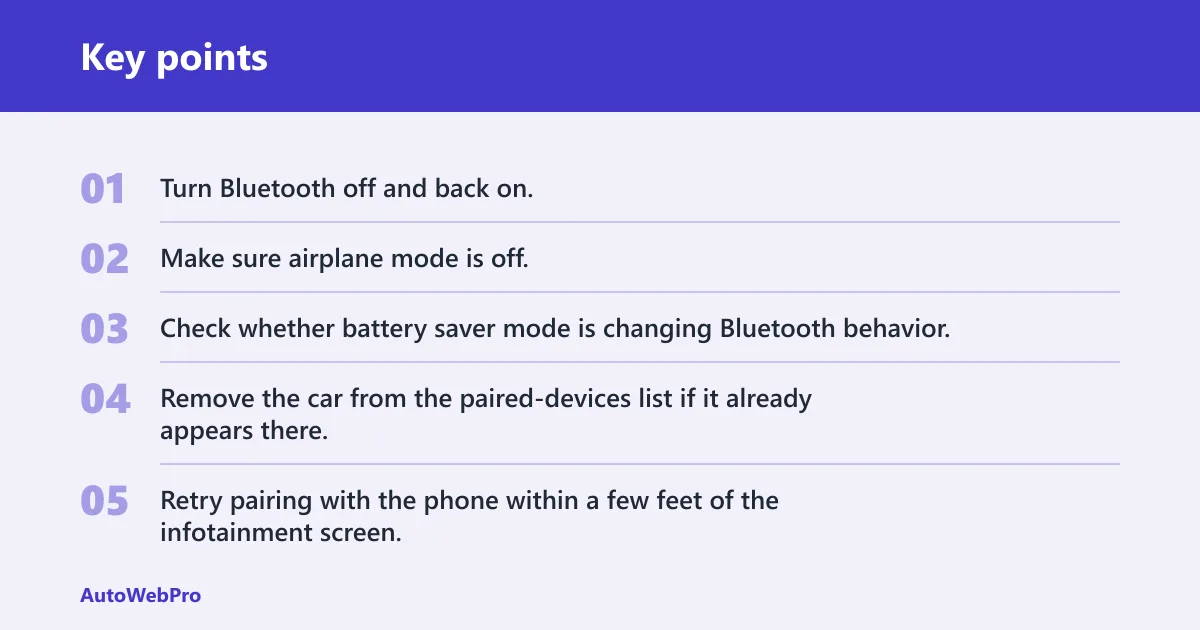
Start with the phone’s Bluetooth setting, airplane mode, battery saver mode, and paired-devices list. Bluetooth must be on, airplane mode should be off, and the car should not be buried under an old, stale pairing entry. Some phones also hide or limit Bluetooth activity when battery-saving settings are aggressive.
Open the Bluetooth menu and confirm the car is not already listed as connected, remembered, or blocked. If the same car appears more than once, remove every old entry tied to that vehicle. Then try pairing again with the phone close to the dashboard.
- Turn Bluetooth off and back on.
- Make sure airplane mode is off.
- Check whether battery saver mode is changing Bluetooth behavior.
- Remove the car from the paired-devices list if it already appears there.
- Retry pairing with the phone within a few feet of the infotainment screen.
Check the car infotainment system
The car also needs to be ready. Enter pairing mode from the Bluetooth menu, not from a random audio screen. A full or confused saved-device list can block new pairings, especially when the system has reached its memory limit or keeps a corrupted record of the phone.
One compatible system can support up to 5 different paired phones, and only one mobile device can be actively connected at a time. Some car systems store about 5 to 10 devices, so old entries can crowd out the one you want to add. Clear unused devices, then retry.
If pairing still fails, restart or soft reset the infotainment unit. That is a reasonable next step before chasing hardware faults.
Why is my phone not connecting to my car Bluetooth anymore?
When a phone used to connect and now does not, the saved pairing record is often the weak point. Corrupted pairing data can stop the phone from reconnecting even though both devices still remember each other. Another phone may also be taking the single active Bluetooth slot before your device can claim it.
Delete and re-pair from scratch
A common fix is deleting the phone profile in the car and on the phone, then pairing again. That clears a saved-device record that may be corrupted. Do both sides, not just one. If you remove only the phone entry but leave the car’s record intact, the old problem can return.
Say your sedan has two saved phones in the system and the driver’s old handset is still nearby. The car may keep handing the connection to that older device. Remove the stale record, leave only the phone you want, and then pair again.
Check for one active connection at a time
Many systems allow stored phones, but only one active connection at a time. If a passenger’s phone is already connected, your phone may show “paired” but never finish the handoff. That is a connection conflict, not a true pairing failure.
Turn off Bluetooth on the other phone for a moment and try again. If the car connects immediately, the issue was active-connection conflict rather than a broken pairing setup.
Why is my new phone not connecting to my car Bluetooth?
A new phone that fails while an older one still works points to compatibility first. The vehicle may not list the new model, or the Bluetooth version may not match the car’s older profile set. In that case, pairing can work only partly, or it may connect with limited functions.
Check the compatibility list
Some manufacturers update compatibility lists every three months, and a phone that is not on the list may work with limited functions. That does not always mean the car is broken. It means the new handset may lack full support for the vehicle’s Bluetooth behavior.
Check the vehicle compatibility list for the exact phone model, not just the brand. If the phone is unsupported, expect partial behavior such as calls working while media or contacts do not.
Look for version and feature gaps
Bluetooth version mismatch can matter when an older infotainment unit expects a narrower set of behaviors. The phone may still pair, but certain features may not appear. Bluetooth audio requires the phone to support Bluetooth audio streaming, so a device that pairs but cannot stream audio is not fully compatible for music playback.
Suppose a replacement phone pairs with the car but contact syncing and song playback fail. That points to feature support or profile mismatch, not a dead battery in the phone. Confirm the supported functions for that exact vehicle before assuming a fault.
Why is my phone connected but there is no sound?
“Connected but no audio” is a different problem from pairing failure. The Bluetooth link exists, but the audio profile may be wrong, media audio permission may be off, or the car may be listening to the wrong source. Calls and media can travel on different paths.
Check calls versus media audio
First, test both a call and music playback. If calls work but music is silent, the phone may be connected for calls only, while media audio is off. Check the Bluetooth details for that car and confirm media audio is allowed.
On the car side, select Bluetooth as the audio source. If the vehicle is on radio, USB, or another source, the phone can show connected while nothing plays through the speakers.
Check audio routing on the phone
Some phones can route audio to the handset speaker, another Bluetooth device, or the car. If the route is wrong, the car connection looks fine but sound goes elsewhere. Reopen the current audio output screen and confirm the car is selected for media.
Also check whether a different Bluetooth device is taking the media stream. Only one active device should be connected for audio at a time.
Could the car software be the problem?
Yes. Firmware bugs, old infotainment software, and damaged Bluetooth modules can all block pairing or reconnect behavior. If multiple phones fail in the same way, the car-side software or module deserves more attention than the phone does.
Check for update availability
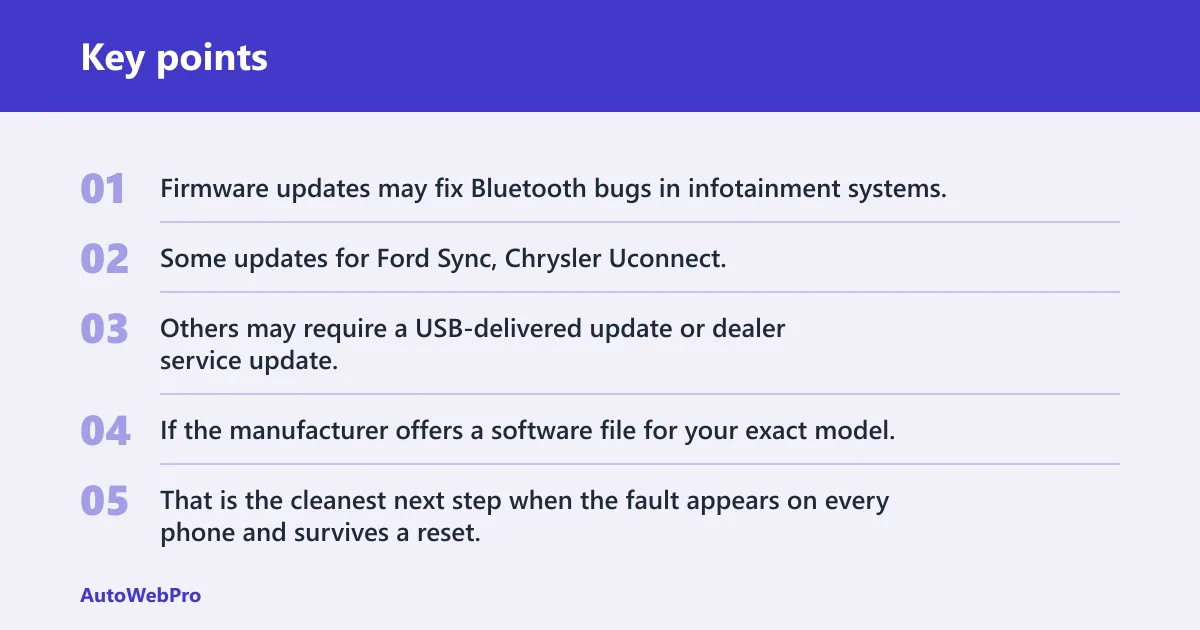
Firmware updates may fix Bluetooth bugs in infotainment systems. Some updates for Ford Sync, Chrysler Uconnect, Kia UVO and Hyundai systems can be downloaded online. Others may require a USB-delivered update or dealer service update.
If the manufacturer offers a software file for your exact model, install it before asking for hardware work. That is the cleanest next step when the fault appears on every phone and survives a reset.
Know when to suspect a module fault
Keep an eye on symptoms that point beyond software. A weak car battery can affect the audio module and Bluetooth behavior. If the battery is weak, the car may act erratic during startup, pairing, or audio switching.
If the infotainment unit loses saved devices, drops pairing after each restart, or will not enter pairing mode at all, a dealer inspection makes sense. That is especially true after a soft reset and software update do not change the behavior.
How do I reduce interference and range issues?
Bluetooth works over short range and can be disrupted by nearby electronic devices. If pairing is flaky or reconnects fail when the phone is in a pocket or bag, the issue may be signal quality rather than software. Nearby Bluetooth devices, Wi‑Fi traffic, and other 2.4 GHz sources can all interfere. (Apple)
Move closer and remove clutter
Keep the phone close to the center console or dash during pairing. Thick cases, crowded USB cables, and a busy cabin can all make the signal less stable. If the setup only works when the phone is in the front seat, range is part of the problem.
Turn off extra Bluetooth accessories for a moment, including earbuds and wearables. Then retry the car pairing. A simpler radio environment makes it easier to see whether the car and phone are really compatible.
Watch for crowded wireless environments
Wi‑Fi hotspots, nearby phones, and other 2.4 GHz devices can crowd the same band Bluetooth uses. That does not always break pairing, but it can slow discovery or make reconnection inconsistent. Move the phone away from charging hubs and other electronics if the fault is random.
Frequently asked questions
Why is my iPhone not pairing with my car Bluetooth?
Check Bluetooth, airplane mode, and the car’s saved-device list first, then confirm the vehicle supports that iPhone model. If the phone pairs but will not stream music, verify media audio permission and the car’s audio source. If the car fails with every phone, look at infotainment software next.
Should I delete old Bluetooth devices before pairing again?
Yes, if the car already has several stored phones or keeps reconnecting to the wrong one. Delete the phone profile in the car and on the phone, then pair again from scratch. That is the fastest way to clear a corrupted saved-device record.
Could my car’s infotainment firmware be causing Bluetooth problems?
Yes. Firmware updates may fix Bluetooth bugs in infotainment systems, and some vehicles support USB-delivered or dealer-installed updates. If every phone fails after a soft reset, the firmware is a stronger suspect than the handset. A weak car battery can also muddy the symptom.
How do I tell whether the problem is my phone or my car?
Test another phone in the same car, then test your phone in another car if possible. If only your new phone fails, check compatibility and supported features. If all phones fail, focus on the car’s Bluetooth menu, memory, reset behavior, and software version.
Why is my phone not automatically connecting to my car Bluetooth?
Auto-reconnect usually fails because the pairing record is corrupted, another phone already has the active connection, or the car has too many stored devices. Remove the old record on both sides, then reconnect only one phone at a time. If the car still ignores the phone, check for software updates.
How do I fix a car Bluetooth pairing failure?
Turn Bluetooth on, turn airplane mode off, clear the old pairing on both devices, put the car into pairing mode, and try again close to the dash. If that fails, restart or soft reset the infotainment unit. Then check compatibility and update availability before suspecting hardware.