Built-in Navigation vs Android Auto: Which Is Better?
Android Auto is the better pick for most city and suburban drivers. Built-in navigation is the stronger choice when you need phone-free routing, tighter vehicle integration, or maps that still work in weak-signal areas. Google says Android Auto is designed to work with compatible cars and phones through supported apps and connection methods, while Google Maps and Waze can each help keep routes current in different ways. This guide compares both systems by commute type, road-trip needs, used-car value, and offline coverage.
Which option fits your driving needs?
Choose Android Auto if you want fresher map data, live traffic, and lower cost. Choose built-in navigation if you need routing that keeps working without a phone, want deeper cluster or head-up display integration, or regularly drive where cell coverage is weak. The right answer depends less on “best overall” and more on whether your routes are urban, remote, or mixed.
Quick verdict table
| Decision factor | Built-in navigation | Android Auto | Winner |
|---|---|---|---|
| Upfront cost | Usually a paid factory option; pricing commonly varies by make, trim, and subscription package. | Uses your compatible Android phone at no additional navigation-specific cost. | Android Auto |
| Update burden | OEM map refreshes may be included, paid, or subscription-based depending on brand and package. | Google Maps and Waze update through the phone app; Google updates Android Auto compatibility and behavior through supported app and platform updates. | Android Auto |
| Offline reliability | Can work without a phone, and some systems store maps locally. See OEM map-update pages such as BMW Maps and Toyota Drive Connect for model-specific coverage. | Depends on a compatible phone, connection method, and app support; offline help is strongest when maps are downloaded in advance. | Built-in navigation |
| Traffic and hazard data | Usually weaker unless the OEM has strong connected services and live-data support. | Google Maps supports live traffic and offline areas, while Waze highlights crowd-sourced reports and road hazards through its feature docs. | Android Auto |
| Vehicle integration | Can add instrument-cluster directions, head-up display prompts, and native knob or touch control support. | Standardized phone-projection interface; integration depth varies by vehicle and supported display layout. | Built-in navigation |
Built-in navigation vs Android Auto by factor
Upfront cost and ownership cost
Factory navigation is often a trim-level or package upgrade, but the price is rarely universal. OEM examples show why it “commonly varies by make, trim, and subscription package”: some brands include navigation in bundled connected-services plans, while others charge separately for map access or live services. Android Auto avoids that hardware-specific markup because it uses the phone you already own.
Map updates and freshness
Android Auto has the edge on update cadence because Google Maps and Waze update through the phone app. Google Maps Help says offline maps can be downloaded and refreshed, while Waze’s help docs show its routing and incident features are app-driven rather than tied to an annual dealer map disc. That usually makes Android Auto better for newly opened roads, closures, and fast-changing suburbs.
Vehicle integration
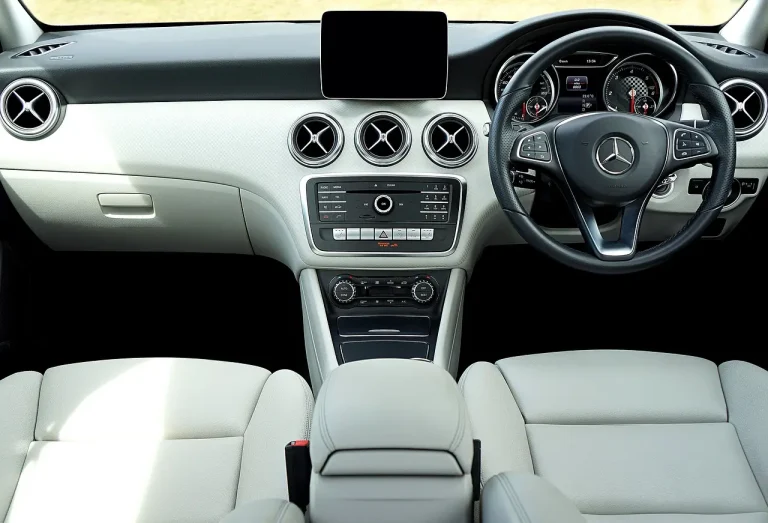
Built-in navigation usually wins when you care about instrument-cluster directions, head-up display prompts, and native control logic tied to the car’s knobs, buttons, or touchscreen. OEM map pages for systems such as BMW Maps, Mercedes-Benz navigation, and Toyota Drive Connect show how factory systems can extend into the cluster, center display, and connected-services layer in ways phone projection may not fully match.
Offline and signal loss
Built-in navigation is the stronger choice for routes with weak signal because it can keep routing without a phone. Google’s offline maps support helps Android Auto use cases too, but only if the map area was downloaded ahead of time and the app can still function on the phone. In dead zones, the factory system usually has the cleaner fallback.
Connected-services limits
Factory navigation is not always fully free forever. Many OEMs separate base map guidance from live traffic, voice assistance, remote updates, or trial-based connected services. That means the map may still work, but some real-time functions can expire or become optional extras, depending on the make and package.
Best choice by driver profile
The best system changes with route type, signal quality, and how much vehicle integration you want. The matrix below rates each profile on the promised dimensions and gives a one-line recommendation.
| Driver profile | Built-in navigation: offline reliability | Built-in navigation: live traffic | Built-in navigation: cost | Built-in navigation: update burden | Built-in navigation: vehicle integration | Android Auto: offline reliability | Android Auto: live traffic | Android Auto: cost | Android Auto: update burden | Android Auto: vehicle integration | One-line recommendation |
|---|---|---|---|---|---|---|---|---|---|---|---|
| Urban commuter | Good if maps are cached or stored locally | Usually weaker unless the OEM has strong connected services | Can be expensive as a factory option | Often dealer- or subscription-dependent | Strong in many trims | Good if offline maps are downloaded | Strong with Google Maps or Waze | Usually lowest extra cost | Low, because updates come through the phone apps | Varies by vehicle | Choose Android Auto for current traffic and lower total cost. |
| Rural or remote driver | Best choice for phone-free routing in low-signal areas | Limited by the quality of the OEM connected service | Cost only makes sense if you need the offline advantage | Moderate to high, depending on brand | Often very good in higher trims | Works best only if maps were downloaded in advance | Can drop off when data is unavailable | Low | Low, but relies on phone prep and coverage | Usually lighter than OEM integration | Choose built-in navigation if cell signal is unreliable. |
| Long-distance road-tripper | Strong when the route crosses dead zones or you want onboard fallback | Useful, but often dependent on subscription services | Worth it mainly on travel-focused trims | Can be annoying if updates are manual or dealer-based | Excellent on vehicles with cluster or HUD prompts | Good on highways with preloaded maps | Very strong on active corridors and interstate detours | Low | Low | Good, but less native than factory systems | Choose Android Auto unless your route includes long dead zones. |
| Used-car buyer | Only attractive if the map system is current and the hardware still feels modern | May be limited if services have expired | Can be poor value on older cars | Can be high if map refreshes are paid | Best if the trim includes HUD or cluster guidance | Strong value because the phone app stays current | Strong for current traffic and rerouting | Best value | Low | Varies by model | Choose Android Auto unless the factory system is still modern and fully supported. |
Urban commuter
Choose Android Auto. Daily traffic, incident rerouting, and lower cost matter more than factory polish in city driving, especially when Google Maps can keep pace with road changes and Waze can surface hazards quickly. If your commute regularly changes by a few minutes, the app-based route stack is usually the better fit.
Rural or remote driver
Choose built-in navigation. When coverage fades, phone-dependent routing becomes less dependable, and a car-based system can keep guiding from onboard map data. That makes the factory system the safer pick for long rural stretches, mountain roads, and areas where signal loss is normal rather than occasional.
Long-distance road-tripper
Choose Android Auto unless the route includes long dead zones. Google Maps is strong for highway timing and offline map downloads, and Waze can help with incidents and slowdowns on busy corridors. A factory system only pulls ahead if the vehicle’s native display integration is especially helpful on long drives.
Used-car buyer
Choose Android Auto in most cases. Factory navigation can be appealing only when the car still has current maps, active connected services, and useful display integration. Otherwise, a phone-based system is usually the cleaner value because it avoids paying extra for a stale embedded stack.
Safety, offline use, and data questions
Both systems can be safe when used with voice commands and limited screen interaction. Google’s Android Auto guidance emphasizes supported app behavior and in-car use, while Waze and Google Maps both offer hands-free-friendly workflows. The bigger safety question is not which one exists, but whether the driver can use it without looking down too often.
Does built-in navigation work without cell service?
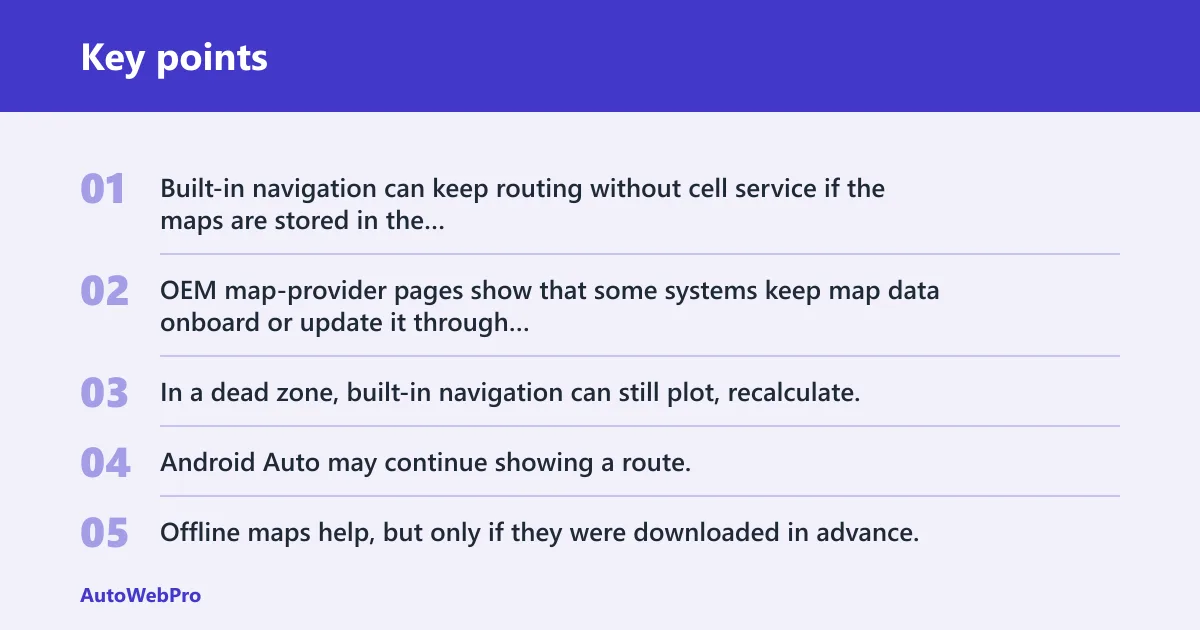
Yes. Built-in navigation can keep routing without cell service if the maps are stored in the vehicle. OEM map-provider pages show that some systems keep map data onboard or update it through the vehicle’s connected-services platform, which is why factory navigation is still the stronger option in low-coverage areas.
What still works when signal drops?
In a dead zone, built-in navigation can still plot, recalculate, and show turn-by-turn guidance if the map data is present. Android Auto may continue showing a route, but live traffic and rerouting are the first features to weaken when coverage disappears. Offline maps help, but only if they were downloaded in advance.
How do Google Maps and Waze handle offline or weak signal areas?
The same source says offline maps can be downloaded and used without live data for the saved area. Waze’s help docs focus on live community routing, so it is strongest when there is a data connection and may be less useful when the phone is offline. That difference matters on mixed urban-rural trips.
What are the limits of connected services?
Many factory navigation systems rely on connected-services subscriptions for live traffic, remote updates, or voice features. When those services expire, the map may still work, but the real-time layer can shrink. That is why a “built-in” system is not always a permanently complete system.
How do voice control and connection reliability affect safety?
Hands-free use matters more than screen polish when driving. If the connection is unreliable, Android Auto can become frustrating even with good apps, which is why connection troubleshooting sometimes matters as much as route quality. For that reason, it helps to review Android Auto voice control and, when pairing drops or the car fails to recognize the phone, fix Android Auto connection issues.
FAQ
Is built-in navigation better than Android Auto?
Built-in navigation is better for specific use cases: weak-signal routes, phone-free driving, and cars with strong native display integration. For most urban and suburban drivers, Android Auto is the better default because Google Maps and Waze update more often and usually cost less to use.
Does Android Auto work better than factory navigation?
It often does for live traffic, rerouting, and map freshness. Android Auto pulls from apps that are updated on the phone, while factory navigation can lag behind unless the OEM keeps the map package current and the owner has the right connected-services plan.
Which is safer: built-in navigation or Android Auto?
Either can be safe when used with voice control and limited screen interaction. Built-in navigation may be safer in remote areas because it is not dependent on phone signal, while Android Auto may be safer in traffic-heavy areas because live rerouting can reduce last-minute lane changes and missed exits.
Can Android Auto replace built-in navigation completely?
For many drivers, yes. If you have a compatible Android phone, a stable connection, and app support, Android Auto can cover daily navigation, traffic, and voice control. It is not a perfect substitute for every driver, though, because it still depends on the phone and data coverage.
Is built-in navigation worth the extra cost?
It is worth the extra cost when you will use the car’s native integration often or when you drive in weak-signal areas. It is harder to justify on a city commuter car, especially when the option price commonly varies by make, trim, and subscription package and update fees may apply later.
Should I pay extra for factory navigation on a new car?
Pay extra only if the trim includes useful integration or if your driving pattern makes offline routing a real need. If your trips are mostly urban, Android Auto usually gives better value because it avoids the factory option price and keeps navigation apps current.
Sources
- Google Android Auto Help, supported apps and compatibility guidance.
- Google Maps Help, offline maps download and use guidance.
- Waze Help Center, route reporting and feature documentation.
- BMW Maps and related owner pages, factory navigation and map-update information.
- Toyota Drive Connect and related owner pages, connected-services and navigation limitations.
- Mercedes-Benz owner pages, navigation display and head-up display integration details.