Is Built-in Navigation Worth It?
Built-in navigation may be worth paying for if you routinely drive where cell coverage is weak, want turn-by-turn directions on the car’s screen without mounting a phone, or can add it for under about $500. Otherwise, phone navigation is usually the smarter buy. Skip it carelessly and you can pay hundreds for maps you rarely use, while missing quicker app updates and fresher traffic data. This guide weighs factory navigation against phone-based navigation by use case, features, and total ownership cost. If you already use Apple CarPlay or Android Auto, note that those systems mirror phone navigation onto the car screen; that is different from built-in factory navigation, which lives in the vehicle itself.
Built-in navigation basics
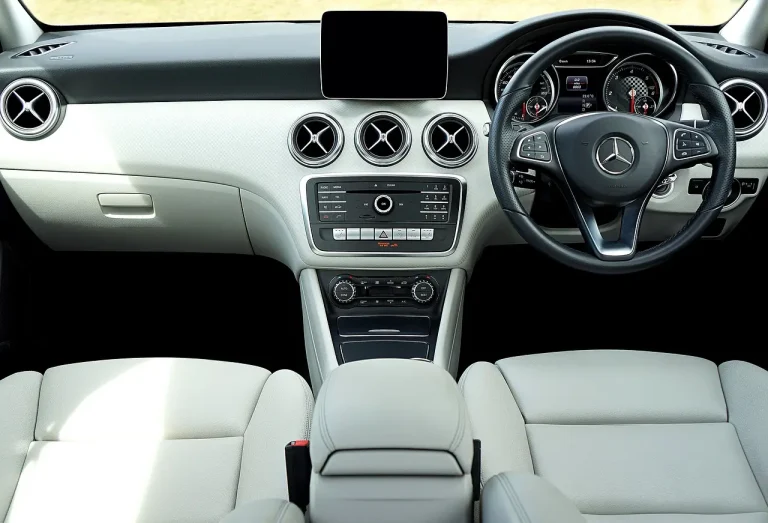
Built-in navigation is a factory-installed infotainment feature that puts turn-by-turn directions on the vehicle display. It usually runs through the automaker’s touchscreen and voice controls, and many systems can also show traffic and route guidance on the same screen as media, climate, and vehicle settings.
Many new vehicles offer it, but not every trim does. In practice, the feature may be standard on higher trims, bundled in an option package, or missing from lower trims even when the same model supports it later in the lineup.
How it shows directions in the car
The main appeal is integration. Directions appear in the gauge cluster or center screen, route prompts can be spoken through the car speakers, and some systems let you search destinations by voice instead of typing on a phone. That cuts screen juggling, especially in heavy traffic or unfamiliar areas.
It can also work with vehicle controls. Some infotainment systems let you adjust climate, seats, and driving mode in the same interface, which keeps navigation and vehicle menus in one place.
When is built-in navigation worth it?
Built-in navigation is worth it for drivers who regularly travel outside strong cell coverage, dislike phone mounts, or want the route always visible on the main vehicle display. It is far less compelling if you already rely on a phone with current maps, active traffic, and a decent mount or wireless projection setup.
Where it adds real value
If your normal drive includes rural roads, mountain passes, or job sites, factory navigation can still guide you when a phone data signal drops. That matters most when offline maps are available or when the car’s system keeps routing after cellular service fades.
It also helps when you want a cleaner dash and fewer cables. For some drivers, the value is about reducing friction.
Where it adds little value
If you already use Google Maps on a phone, and your routes stay in areas with solid data coverage, factory navigation often duplicates what you already have. In that case, you may be paying for map hardware and software you use only a few times a year.
Say your commute is 14 miles on the same freeway every weekday, with a phone mount already in place. In that setup, built-in navigation may add little beyond better screen placement, while the phone still delivers fresher traffic data and easier app updates.
Built-in navigation decision matrix

This matrix scores each buyer profile on a practical scale from 1 to 5, where 5 is strongest. The scores reflect how well each setup fits the needs described in the row: offline reliability, traffic freshness, convenience, and cost. “Phone setup better” means a mount plus phone navigation is the smarter buy for that scenario.
| Buyer scenario | Offline reliability | Traffic value | Resale appeal | Learning curve | Subscription risk | Phone setup better? |
|---|---|---|---|---|---|---|
| Daily commuter | 2 | 4 | 2 | 4 | 2 | Yes |
| Long-distance traveler | 4 | 4 | 3 | 4 | 3 | Sometimes |
| Rural driver | 5 | 2 | 3 | 3 | 2 | No |
| Rideshare/fleet driver | 3 | 5 | 2 | 4 | 3 | Usually |
| Tech-heavy user | 2 | 4 | 2 | 3 | 4 | Yes |
| Off-road user | 5 | 1 | 3 | 3 | 2 | No |
| First-time new-car buyer | 3 | 3 | 3 | 2 | 3 | Sometimes |
| Budget shopper | 2 | 3 | 2 | 4 | 4 | Yes |
How to read the matrix
Built-in navigation scores best when offline use matters more than live traffic and constant app refreshes. Phone navigation scores best when route changes, traffic rerouting, and app familiarity matter more than a built-in screen.
A common first-timer mistake is paying for factory navigation on a trim jump while ignoring the phone route you already trust. If the option costs more than a good phone mount and the routes are mostly urban, the value often tilts away from the car’s system.
How it compares with Google Maps on a phone
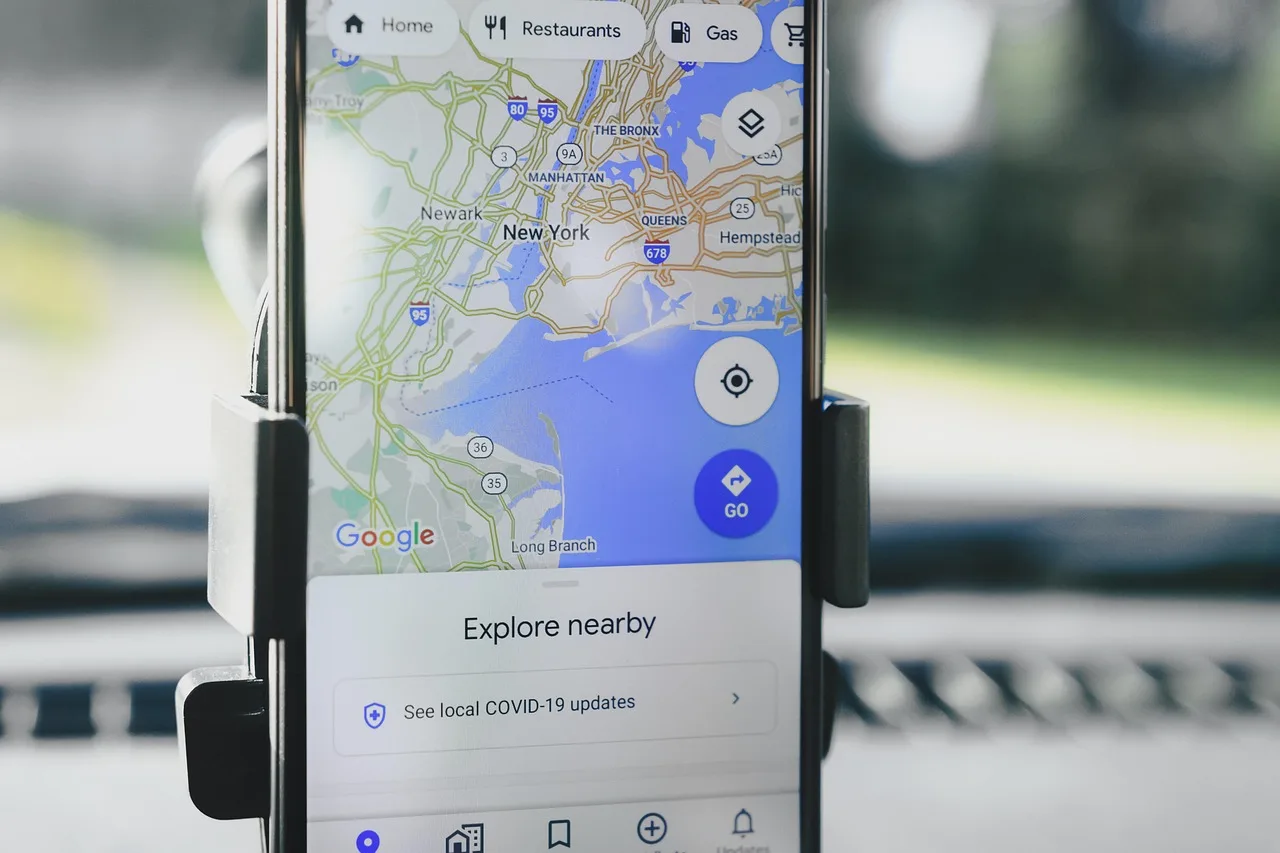
Google Maps on a phone usually wins on traffic freshness, map updates, and search speed. Built-in navigation wins when you want the route shown on the car display, voice guidance through the vehicle audio system, and less dependence on a phone held in the cabin.
Traffic and route changes
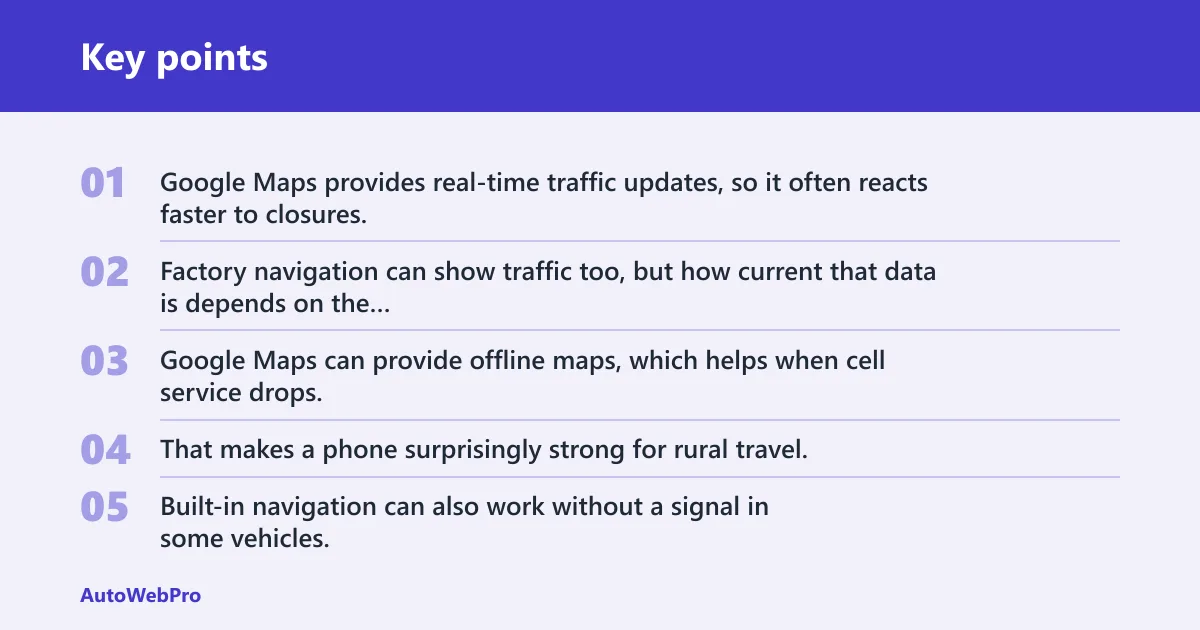
Google Maps provides real-time traffic updates, so it often reacts faster to closures, congestion, and alternate routes. Factory navigation can show traffic too, but how current that data is depends on the vehicle’s connected services and map system.
Offline maps and dead-zone use
Google Maps can provide offline maps, which helps when cell service drops. That makes a phone surprisingly strong for rural travel, provided you download the area in advance. Built-in navigation can also work without a signal in some vehicles, especially if maps are stored locally.
Voice guidance and search convenience
Google Maps supports voice guidance, and Google Built-In supports hands-free voice guidance for navigation. In the car, Google Assistant can handle voice commands for destinations, calls, and texts, which keeps your hands off the screen and your eyes on the road longer.
Picture a driver heading to a trailhead 30 miles from the nearest town. The phone has the area downloaded, but the cabin has weak reception. In that case, a factory system with local maps or Google Maps offline data can keep routing alive after the signal fades.
Phone hardware and data plan tradeoffs
A phone brings its own costs. You need a mount, a charging cable or wireless pad, battery life, and enough data to keep live traffic and search features current. Built-in navigation reduces some of that friction, but it may introduce its own ongoing costs through connected services or paid map updates.
Do new vehicles come with navigation?
Many new vehicles come with navigation, but not all do, and trim level matters. Some base models skip it entirely, some add it through a package, and some higher trims include it as standard. Availability also varies by automaker and by infotainment platform.
Which systems usually include it?
Factory navigation is most common in mid and upper trims, especially where the automaker wants to bundle larger displays, voice control, and extra connected services. Some systems are built around the brand’s own interface, while others add Google features on top of Android-based software.
How to check before you buy
- Check the exact trim, not the model name alone.
- Read the standard equipment list for that trim.
- Look for navigation in the infotainment and connected-services sections.
- Ask whether live traffic or map updates require a trial or paid plan.
- Confirm whether your phone projection setup already covers your needs.
Google Built-In, Android Automotive, and apps
Google Built-In is a branded set of Google services available in some vehicles, typically running on Android Automotive OS. Some vehicles support Google Built-In with Google Maps, Google Assistant, and Google Play Store on GAS systems, while other Android-based systems may not include Google apps. That difference matters because the app set and navigation experience are not the same.
What Google Built-In changes
With Google Built-In, the car can support navigation apps and integrated navigation via Google Maps. It also adds hands-free calling, texting, and other voice-driven functions through Google Assistant, which can reduce the need to touch the screen at all.
How automaker interfaces still matter
Even with Google-based software, the automaker still controls the overall interface and how the system is presented in the vehicle. That means the screen layout, hardware speed, and menu logic can still vary a lot from one brand to another.
Which brands support it?
Cell service, updates, and subscriptions
Cellular service is not required by Google Built-In itself, but it can affect app features, live traffic, and some connected services depending on the app and vehicle. Subscriptions may be separate from the base vehicle purchase, and while they are not required for Google Built-In itself, they can affect ownership cost in practice.
What works without a signal
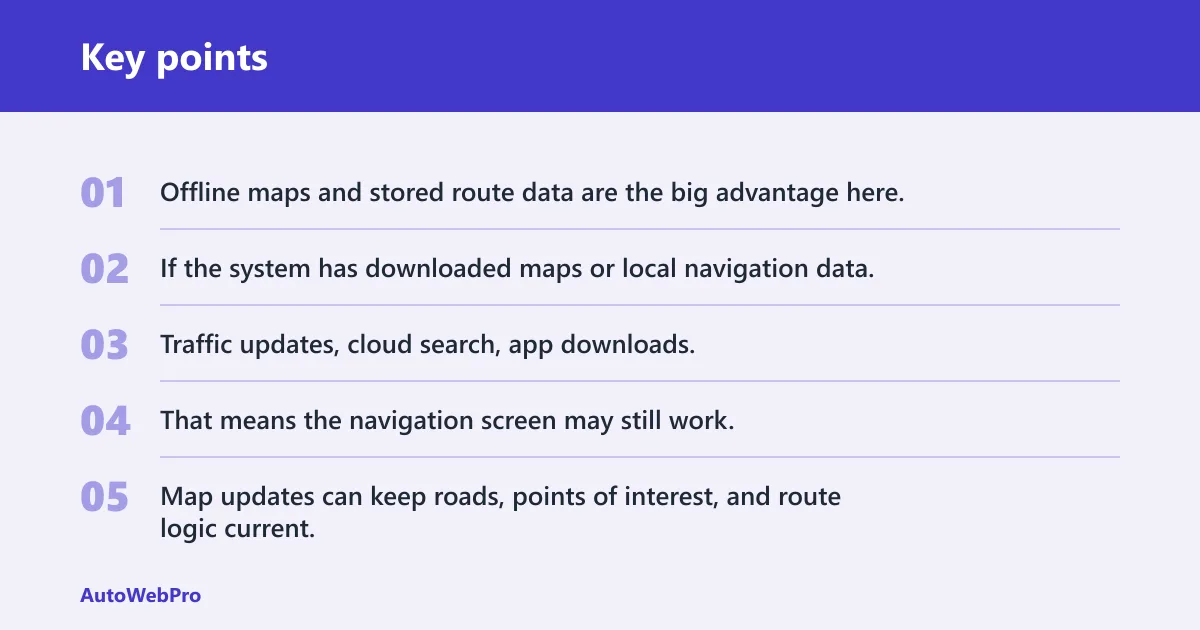
Offline maps and stored route data are the big advantage here. If the system has downloaded maps or local navigation data, it can keep giving turn-by-turn directions after the signal drops, though live traffic and search freshness may pause.
What depends on data or connected services
Traffic updates, cloud search, app downloads, and some vehicle-connected functions often need data. That means the navigation screen may still work, but its smartest features can thin out when the connection does.
Why updates matter over time
Map updates can keep roads, points of interest, and route logic current. If updates lag, the system can send you toward stale exits, closed entrances, or old business locations. That is a practical risk, not a theoretical one, especially for drivers in fast-changing suburbs or expanding metro areas.
Subscription exposure is one of the hidden costs. A navigation system that looks complete on day one can become less useful if live traffic, app access, or map updates sit behind a paid plan after a trial ends.
Frequently asked questions
Is built-in navigation worth it in a new car?
It is worth it for drivers who regularly leave reliable cell coverage, want the map on the vehicle display, or can get the feature bundled at a modest price. For most shoppers with a strong phone setup, factory navigation is optional rather than essential.
Can built-in navigation work without cell service?
Yes, in some vehicles. Built-in navigation can continue if the maps are stored locally or downloaded in advance, though live traffic and cloud search may stop updating. Google Maps can also work offline if you save the area before the trip.
How does built-in navigation compare with Google Maps on a phone?
Google Maps usually wins on traffic freshness, route changes, and app updates. Built-in navigation wins on screen integration and hands-free use through the car’s own interface. If you already mount and charge your phone, the phone route is often the cheaper and more current choice.
Does built-in navigation require cellular service or a subscription?
Not always. The base navigation feature may work without a data connection, but live traffic, some app features, and certain connected services may depend on service or a paid plan. The vehicle’s sticker and owner plan details matter here.
Can built-in navigation be updated over time?
Yes, but the update method varies by automaker. Some systems receive over-the-air updates, while others rely on dealer service or manual map downloads. If updates are slow or limited, routing can age faster than a phone app does.
Is built-in navigation safer than using your phone while driving?
It can be safer than holding a phone because the route is built into the dash and voice control is often stronger. It is not automatically safer in every case, though. A poorly designed screen or cluttered menu can still take attention away from the road.
Which cars come with built-in navigation systems?
Many trims from mainstream and luxury brands can include it, and some vehicles support Google Built-In features in certain versions. The exact answer depends on trim, region, and infotainment package, so the spec sheet must be checked line by line.