How to Find Public Charging Stations Near You
Use a charger map, then check connector type, power level, and live availability. If all three match your car, that is the best nearby choice. Skip one check, and you can end up circling for a dead or incompatible plug and waste time or range. This guide shows how to find public charging stations near you quickly and compare nearby options.
Find the best nearby charger in under 2 minutes
- Open a map app to find the nearest public charging stations along your route or near your current location.
- Confirm the connector type your vehicle can use, including whether you need CCS, NACS, or an adapter.
- Check the charger’s power level and choose the right stop length for your schedule, from Level 2 charging to DC fast charging.
- Verify live status, hours, access rules, and payment method before you leave.
- If the first option is uncertain, pick the next compatible site and keep a backup charger in mind.
Start with one general map app and one EV charging app. Use the map for speed and route context, then use the charging app for plug type, status, and site notes. That pairing usually gets you to a usable stall faster than relying on one source alone.
Google Maps can show charging stations along your route, which helps when you want the closest workable stop instead of the nearest dot on the map. PlugShare adds real-time availability and user reviews, so it is better when you need recent stall reports or site warnings.
Sort by distance, plug type, and speed
Distance matters less than fit. A charger 1 mile away is useless if it does not match your connector, is limited to a slow rate, or sits behind a locked gate after hours.
Use these filters in this order: plug type first, then speed, then live status. If your car needs CCS, start there. If you can accept either AC or DC, decide how long you can stay before you search.
Use live status as a check, not a promise
Live status helps, but it is not a guarantee. A stall marked available may be blocked, offline, or about to fail a session start. A recent user report can be more useful than a stale green dot.
For that reason, treat app status, in-car status, and the physical site as three separate checks. If two agree and one does not, trust the site detail that is most recent and most specific.
Use a charger app’s free filter, then verify the site terms. Free chargers often come with a condition, such as customer parking, time limits, or a required account. If the listing is vague, check whether the charging is actually free or only free to see in the app.
Watch for parking validation or time limits
Free charging often sits at retail, workplace, or hotel sites that want turnover. You may get a free session but still need to pay for parking after a set period or qualify for validation through a purchase.
A common first-timer mistake is leaving a car plugged in for an extra hour because the charger showed “free.” If the lot adds idle fees or parking charges, the total stop may cost more than a paid charger across the street.
Check whether the charger is free only on paper
Some listings label the charger as free because the app does not charge a usage fee. That does not mean the stall is usable without a card, app account, parking ticket, or customer validation.
If the site has no payment details at all, look for recent user reports or call the location before driving over. A free charger that is offline or behind a closed gate is not free in practical terms.
How to choose the right charger fast
The fastest choice is the one your vehicle can use, that is open now, and that fits your schedule. In practice, that means checking connector type, charging speed, and payment method before you leave, then confirming the site is reachable and not restricted by hours or a parking rule.
Match the connector to your vehicle
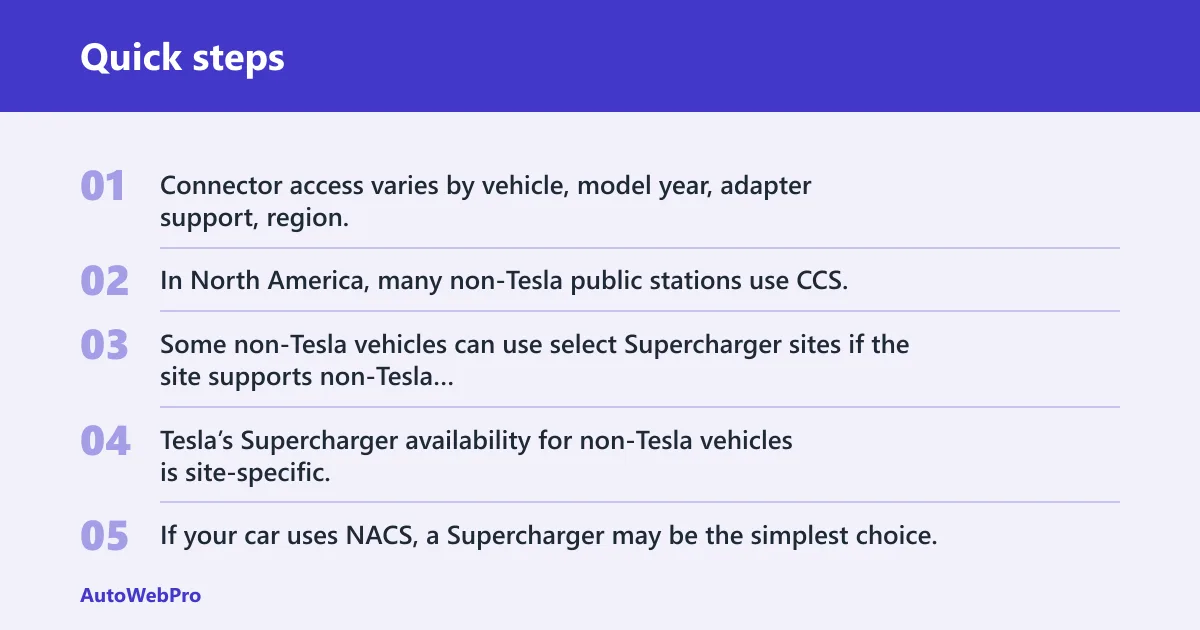
Connector access varies by vehicle, model year, adapter support, region, and the site’s eligibility rules. In North America, many non-Tesla public stations use CCS, while Tesla Superchargers use NACS. Some non-Tesla vehicles can use select Supercharger sites if the site supports non-Tesla access, and some stations use Magic Dock to add CCS compatibility. Tesla’s Supercharger availability for non-Tesla vehicles is site-specific, so do not assume a listing is broadly compatible just because it appears on a map.
If your car uses NACS, a Supercharger may be the simplest choice. If your car uses CCS, check whether the Supercharger site supports non-Tesla access or has Magic Dock before you route there. Some vehicles also need an adapter, so do not assume the plug in the photo will fit your charge port.
Check charging speed against your time
Ask one question: do you need a short stop or a long stop? Level 2 charging suits errands, shopping, and work stops. DC fast charging matters when you need a quick return to the road.
Charging speed depends on the vehicle, battery temperature, state of charge, and the charger’s actual output. Tesla says Superchargers can add up to 200 miles in about 15 minutes under ideal conditions, and Electrify America offers 350-kW chargers at select sites, which can be useful when your vehicle can accept that power.
Confirm payment method before you leave
Some sites start through an app, some through an account, and some accept a card at the charger. ChargePoint says many stations can be activated in its app and that payment methods vary by station. Tesla’s app can be used to start charging on compatible sites, and some locations support guest or in-app payment flows depending on the charger and vehicle.
That matters when you arrive at a station with no tap terminal, weak cell signal, or a network that requires sign-in. If you are in a hurry, choose a station with a payment method you already have set up.
Best apps and tools for nearby chargers
Different tools solve different problems. PlugShare is strong for community reports and filters. Google Maps is strong for route search. Network apps are strongest when the station belongs to that network and needs activation. In-car navigation and ABRP are strongest when the route itself matters.
PlugShare for user reports and filters
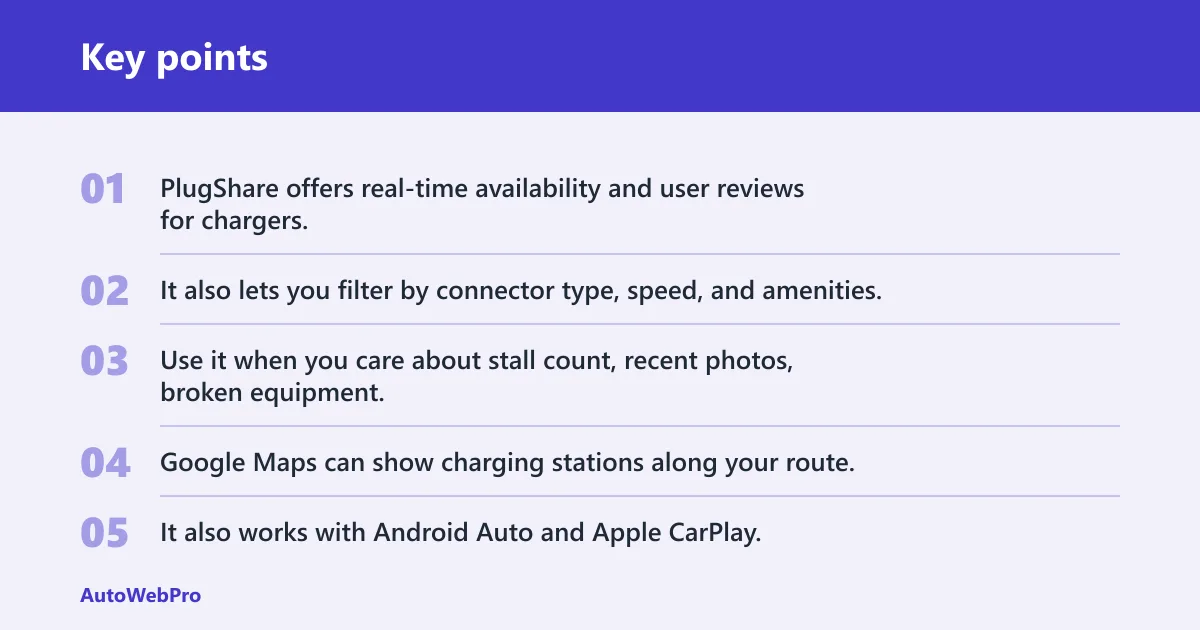
PlugShare offers real-time availability and user reviews for chargers. It also lets you filter by connector type, speed, and amenities, which makes it useful when you need more than a simple list of dots near your location.
Use it when you care about stall count, recent photos, broken equipment, or whether a charger sits behind a gate, a fence, or a hotel lobby desk.
Google Maps for route-based search
Google Maps can show charging stations along your route. It also works with Android Auto and Apple CarPlay, so it is handy when you want nearby options without leaving the driving screen.
It is a good first pass in town or on a local trip. It is less useful when you need detailed connector notes, network rules, or highly current stall reports.
Network apps for station-specific details
ChargePoint, Electrify America, and EVgo each help when you already know the network. ChargePoint is useful when a station needs app activation. Electrify America’s app can help locate stations, start charging, and manage payment on its network, and EVgo’s app can help locate stations and manage charging at supported sites.
Use the network app when the charger is known to belong to that operator. That is usually the fastest way to see whether the station is online, how sessions start, and whether your payment setup will work.
In-car navigation and ABRP for route planning
Your vehicle’s built-in navigation can plan around range, filter by plug type and speed, and keep the charging plan tied to the route. That is better than a simple map when you are already on the road and need the next stop to fit battery level and distance.
A Better Routeplanner, or ABRP, goes further with vehicle-specific route planning, preferred networks, waypoints, charging stops, and suggested charge durations. Use it when you need the charger list to match the trip, not just the current location.
Public charging stations near decision table
Use this table when several nearby results look similar. It shows which tool helps with each decision, and where each one is likely to fail.
| Search method | Live status | Connector filter | Speed filter | Payment info | Route integration | Reliability | Best use case | Common failure mode |
|---|---|---|---|---|---|---|---|---|
| PlugShare | Strong; real-time availability and user reviews | Strong; filters by connector type | Strong; filters by speed | Moderate; site notes often mention payment quirks | Moderate | High for recent user reports, variable by area | Checking multiple nearby options and stall condition | Old reports can linger after a station changes |
| Google Maps | Sometimes shows status, but not always current | Basic station-type filtering | Basic | Limited | Strong; shows stations along your route | Good for discovery, weaker for stall detail | Fast first search on phone or in the car | Can surface a nearby charger with missing plug details |
| Network app | Strong on that network | Strong for that operator’s sites | Strong for that operator’s site data | Strong; shows app, account, or payment flow | Limited to network and map functions | High for operator-owned stations | When the station may require activation or in-app payment | Only helps with that network’s locations |
| In-car nav | Moderate | Strong | Strong | Limited | Strong; built into route planning | Good for trip planning, weaker on stall detail | Highway trips and battery-aware routing | Can miss recent site problems or nonstandard access rules |
| ABRP | Moderate | Strong | Strong | Limited | Very strong; vehicle-specific route planning | Strong for planning, depends on fresh inputs | Long drives, preferred networks, and charge-stop timing | Still needs a final site check before arrival |
What to check before you arrive
Three details cause the most wasted trips: hours, parking rules, and connector count. A charger can be listed as nearby and still be unusable if the lot closes, the stall is ICE-blocked, or every connector is already occupied.
Hours, parking rules, and idle fees
Check whether the charger is in a garage, hotel lot, shopping center, or private property with access limits. Some sites require validation, some charge parking separately, and some add idle fees once charging ends.
That is why a “free” charger may still still cost money, especially if parking validation is involved. The charging session might be free, but parking, validation, or overtime fees can still apply.
Connector count and possible wait time
One stall is a bottleneck. Four stalls are better. A site with multiple plugs lowers the risk that a broken unit or occupied space will derail your stop.
Look for recent user notes on whether the site is busy at commute time, school pickup time, or weekend shopping hours. If you see only one working connector, keep a backup nearby.
Free charging versus free app access
Do not confuse a free download with a free charging session. Some apps are free to install, while the charging session itself is billed, validated, or tied to a membership rule.
Say your map shows a charger at a mall marked “free.” If parking validation ends after 90 minutes and your session lasts longer, the total stop is no longer free. Always check the site terms.
How to handle incompatible or unavailable chargers
If the nearest charger is full, broken, or wrong for your plug, do not wait and hope. Move to the next closest compatible site. If the station needs app activation, open the network app before you arrive. On highways, switch from street-level search to route planning so the next stop fits the battery.
Try the next closest option with the right plug
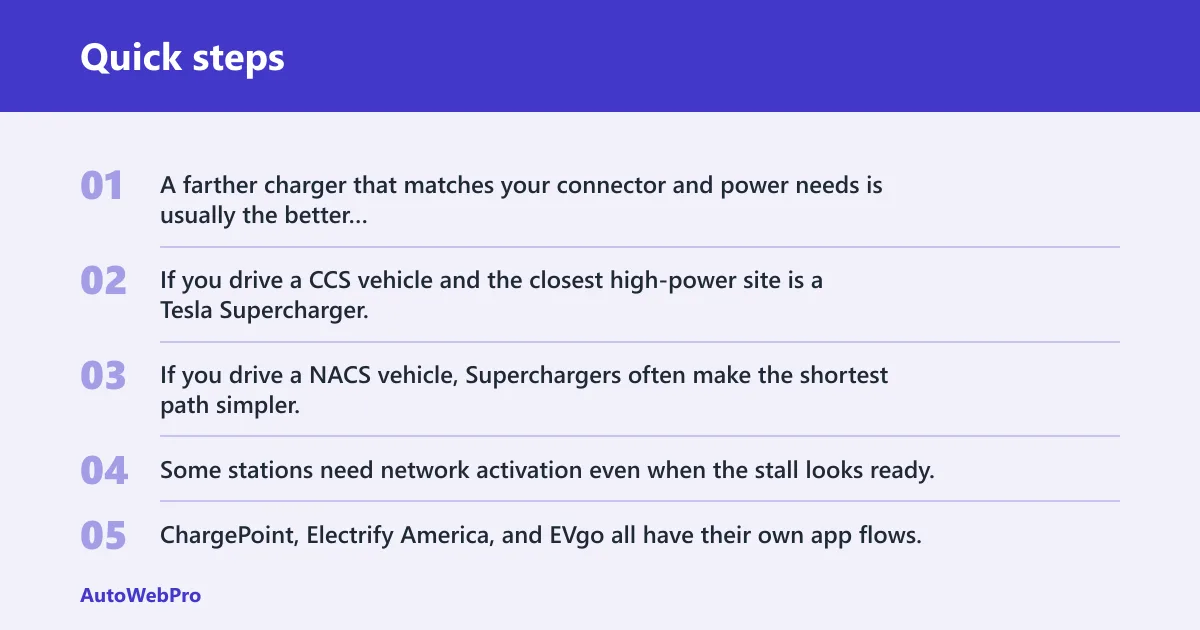
Compatibility beats proximity. A farther charger that matches your connector and power needs is usually the better choice than a closer one that requires an adapter you do not have or a plug your car cannot use.
If you drive a CCS vehicle and the closest high-power site is a Tesla Supercharger, check for Magic Dock or verified non-Tesla access before leaving. If you drive a NACS vehicle, Superchargers often make the shortest path simpler.
Use the right app when the station needs activation
Some stations need network activation even when the stall looks ready. ChargePoint, Electrify America, and EVgo all have their own app flows, and that can save time when the station will not start from the car screen alone.
Open the app early if the site is in a weak-signal area. That can prevent a dead stop at the charger while you wait for sign-in or payment to complete.
Switch from street-level search to route planning on highways
Highway charging is about sequence, not just location. ABRP and in-car navigation are better here because they place chargers into the trip plan, not just the map. That matters when you need a specific stop to get you to the next one.
On suburban and city trips, a map app may be enough. On a long drive, route fit matters more than the nearest station pin.
How to find public charging stations open now
Check app status against recent user reports, then confirm hours and access rules. A charger can show up as available in one tool and still be unusable because the lot is closed, the station is broken, or a stall is blocked. Treat open-now status as a clue, not a guarantee.
Look for site hours and access restrictions
Station hours matter at hotels, garages, office parks, and retail lots. Some sites are open only while the business is open. Others remain accessible but become hard to reach after a gate closes.
If the site is in a controlled lot, check whether you need a room key, a ticket, or a customer code. That detail often appears in user reviews before it appears in official listings.
Treat broken or occupied stalls as common failure points
Occupied stalls are normal at busy sites. Broken stalls are common enough that you should expect one in a multi-stall location from time to time. That is why the connector count and recent reports matter as much as the map pin.
If the closest charger is unavailable, do not keep refreshing the same listing. Move to the next compatible station and keep the route moving.
Frequently asked questions
How do I find EV charging stations near me?
Search a map app first, then confirm plug type, speed, and live status in an EV charging app. Google Maps can show charging stations along your route, while PlugShare adds real-time availability and user reviews that help you judge whether the stop is worth it.
How do I find EV charging points near me?
Use the same search process as for charging stations near you. The wording changes, but the decision stays the same: match the connector, check the speed, and verify whether the site is open and usable before you leave.
How do I find free EV charging stations near me?
Filter for free charging, then verify whether the site still charges for parking, validation, or overtime. A free app does not mean a free session, and a “free” charger can still have rules that make the stop cost money.
How can I tell which charger is closest right now?
The closest charger right now is the one that is nearby, compatible, open, and not blocked. A stalled or incompatible unit is not a real option, even if it is physically nearer than the next site on the map.
How do I find a charger that works with my plug?
Check the connector type before you drive. NACS is used at many Tesla Superchargers, while CCS is common on non-Tesla public charging. Some Supercharger sites have Magic Dock for CCS, and some vehicles need an adapter.
How do I know if a nearby charger is fast enough?
Match the charger’s power level to your stop length. Charging speed depends on the vehicle and the site, but Level 2 is usually better for longer stops, while DC fast charging is the better fit when you need a shorter stop and your vehicle can accept the power.