What Is Wireless CarPlay and How Does It Work?
Wireless CarPlay uses Bluetooth to start the connection and Wi‑Fi to carry the live CarPlay session, so it only works if your iPhone and car head unit both support it, or you add an approved wireless adapter to a wired CarPlay system. Guessing wrong can lead to the wrong stereo, adapters that cannot add CarPlay, or a connection that keeps dropping. This guide explains how wireless CarPlay works, what hardware it needs, and when you need built-in support, an adapter, or a new head unit.
Wireless CarPlay basics
What Apple CarPlay does in the car
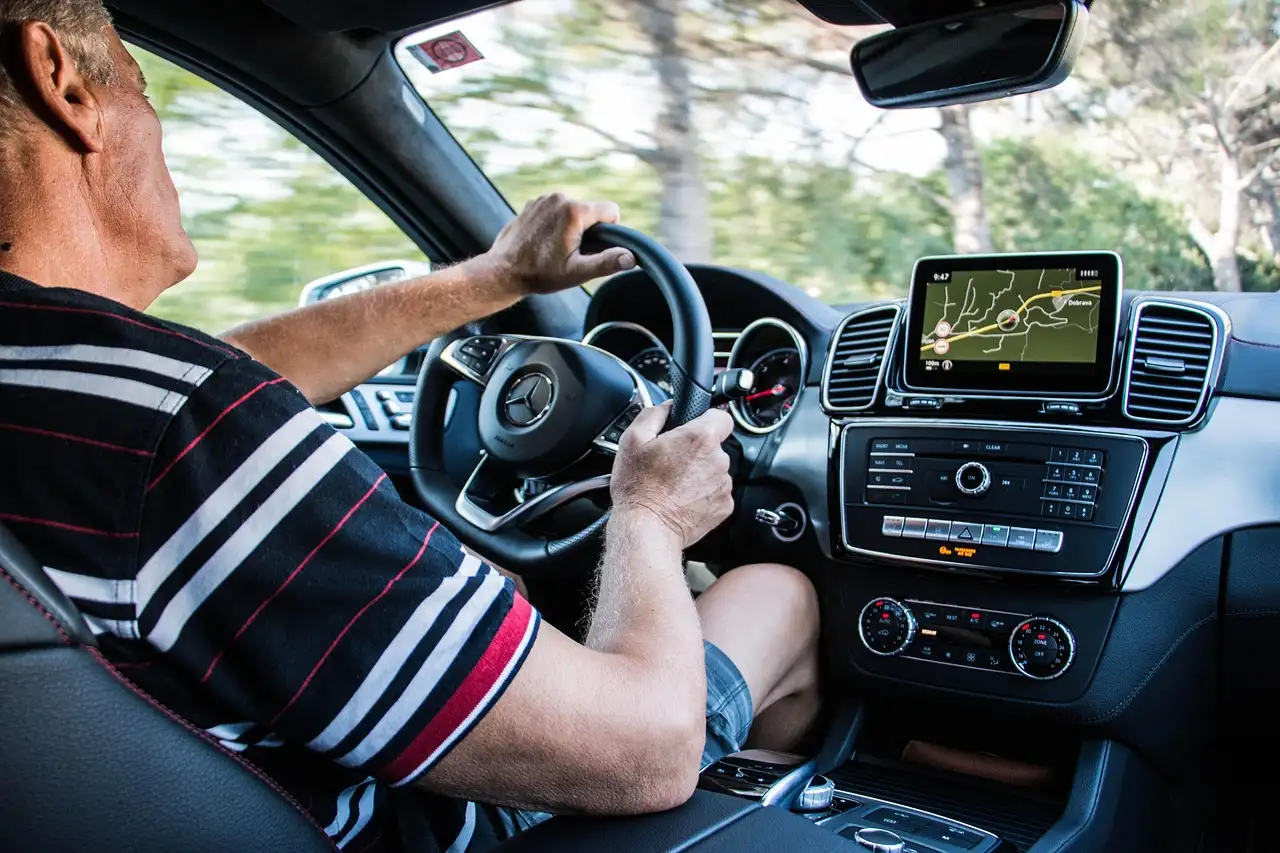
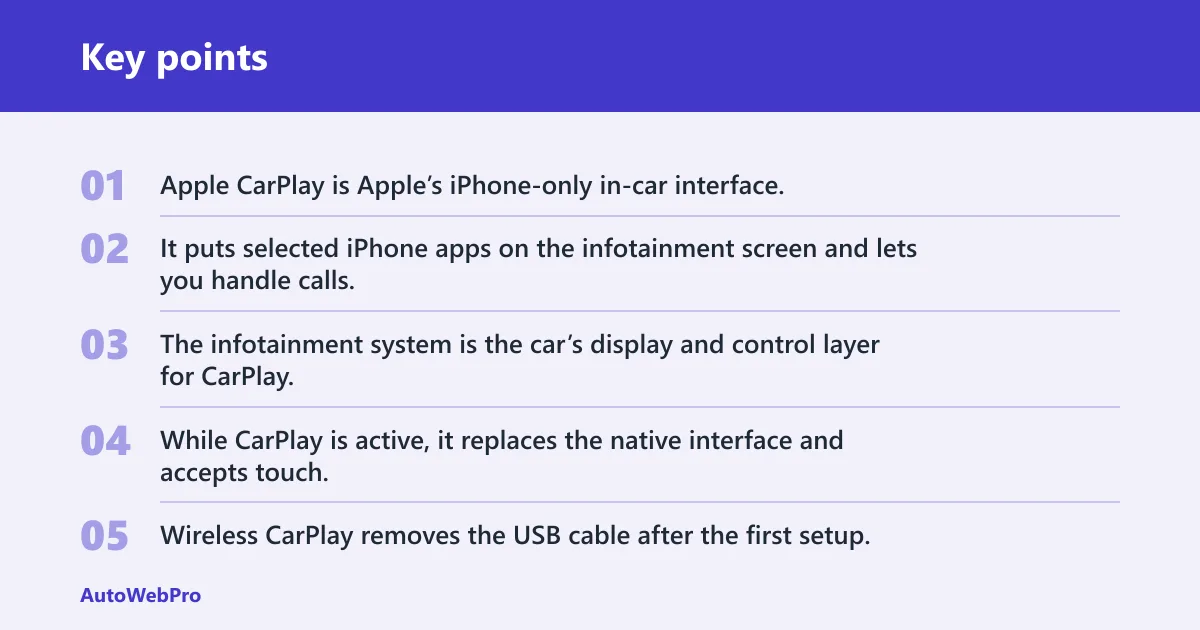
Apple CarPlay is Apple’s iPhone-only in-car interface. It puts selected iPhone apps on the infotainment screen and lets you handle calls, messages, maps, music, and Siri from the car display.
The infotainment system is the car’s display and control layer for CarPlay. While CarPlay is active, it replaces the native interface and accepts touch, steering-wheel, or physical-controller input, depending on the vehicle.
What changes when the cable goes away
Wireless CarPlay removes the USB cable after the first setup, but it does not remove the need for compatible hardware. The phone and car still have to negotiate the connection, then keep a live link over Wi‑Fi.
That means wireless CarPlay is not a different app mode. It is the same CarPlay session, delivered without a physical cable once pairing is complete.
Why wireless CarPlay still needs car support first
CarPlay has to be built into the car or head unit before wireless matters. If the car cannot run CarPlay at all, a wireless adapter cannot create support from nothing. It only converts an existing wired CarPlay setup into a wireless one.
Auto Express says CarPlay was first introduced in 2014, and Autocar says it works on iPhones from 2012 onward. The exact menu layout varies by car, but the support requirement does not.
How wireless CarPlay works
Wireless CarPlay is commonly described as a two-link system. Bluetooth handles discovery and pairing, then Wi‑Fi carries the actual CarPlay data stream. The iPhone remains the source of the session, even though the car screen shows the interface.
Bluetooth’s job in pairing and discovery
Bluetooth is the setup layer. It helps the iPhone and car find each other, exchange pairing information, and agree to start CarPlay. Bluetooth by itself is not enough for the full CarPlay session.
Think of Bluetooth as the introduction. It gets the devices talking, but it does not carry the full video, audio, map, and app data that make CarPlay usable.
Wi-Fi’s job in carrying the live session
After pairing, Wi‑Fi carries the live CarPlay stream. In adapter-based setups, that stream typically uses a private 5 GHz Wi‑Fi link. That is why wireless CarPlay can feel quick once it is running, even though the first handshake is more complex.
F1, F2, F3, and F4 line up cleanly: wireless CarPlay can work after a cable-free connection if the vehicle supports it; it can connect through USB, USB-C, or wireless; it uses Bluetooth for setup and Wi‑Fi afterward; and adapter-based wireless setups commonly use 5 GHz Wi‑Fi.
Why the phone still controls the connection
The iPhone is still the CarPlay source. The car displays the interface, but the phone handles app work, routing calls, messages, navigation, audio, and Siri requests.
Siri is the voice layer for hands-free use. It can handle calls, texts, and app actions, which matters even more in wireless use because you are less likely to reach for the phone once the session starts.
Do you need Bluetooth or Wi-Fi for wireless CarPlay?
You need both. Bluetooth starts the connection, but Wi‑Fi carries the CarPlay session after pairing. If a car only has Bluetooth audio or phone pairing, that does not mean it can run wireless CarPlay.
Why Bluetooth alone is not enough
Bluetooth can make a phone visible to the car and can support calls or audio in many vehicles, but it cannot carry the full CarPlay interface. If CarPlay never appears after Bluetooth pairing, the car may lack wireless CarPlay support, or it may be waiting on a data port, a Wi‑Fi link, or a compatible adapter.
What the first connection should look like
The first connection usually starts with pairing prompts on the iPhone and the car screen. Once approved, the car may take a moment to load CarPlay. After that, later drives are often automatic, as long as the iPhone and car keep the same pairing profile.
Say your iPhone pairs with the car in 10 seconds, then the screen sits on a loading icon. That points to a CarPlay support or data-link problem, not a simple Bluetooth problem.
Do you need built-in wireless CarPlay, an adapter, or a new head unit?
You need built-in wireless CarPlay if the car already supports it. You need an adapter if the car has wired CarPlay and the USB port is a real data port. You need a new head unit if the car has no CarPlay support at all.
Built-in wireless support
If the owner’s manual or the car’s CarPlay menu says wireless CarPlay is supported, you do not need extra hardware for wireless use. The system should pair by Bluetooth, then switch to Wi‑Fi on its own after the first setup.
Adapter-based wireless CarPlay
A CarPlay adapter plugs into an existing wired CarPlay USB port and converts that wired setup to wireless. F5 and F6 make the limit clear: the adapter goes into a wired CarPlay USB port, and it is for cars that already have wired CarPlay.
It cannot add CarPlay to a car with no CarPlay support. If the car never ran wired CarPlay, the adapter has nothing to convert.
When you need a new head unit
If the car has no USB CarPlay that works at all, the usual fix is a head unit upgrade, not an adapter. F7 is the key rule: if the cable does nothing at all, the car does not support CarPlay in any form.
A common first-timer mistake is buying a wireless dongle for a car that only has standard Bluetooth audio. That dongle may power on, but it cannot create CarPlay support inside the dash.
Wireless CarPlay decision table
Use this chart to separate support problems from port problems. The fix depends on whether the car already has wired CarPlay, whether it has built-in wireless support, and whether the USB port is a true data port.
| Symptom | Car has wired CarPlay | Car has built-in wireless option | Likely fix | Why |
|---|---|---|---|---|
| CarPlay works by cable but not wirelessly | Yes | No | Use a CarPlay adapter | The car already supports CarPlay, so an adapter can convert the wired setup to wireless. |
| CarPlay works by cable and the menu says wireless is supported, but pairing fails | Yes | Yes | Check iPhone pairing settings and vehicle software | The car should support wireless, so the failure is likely in pairing, stored profiles, or software. |
| Adapter lights up but CarPlay never loads | Yes | No | Try the correct USB data port or replace the adapter | Power alone can light the adapter, but the CarPlay session needs a data-capable USB port. |
| No USB CarPlay works at all | No | No | Install a new head unit | An adapter cannot add CarPlay support to a car that never had it. |
| The car has wired CarPlay but only a charging port is available | Yes | No | Find the data USB port or use the factory CarPlay port | Only some USB ports carry data; a charging-only port may not support CarPlay. |
| The iPhone pairs by Bluetooth but CarPlay never starts | Maybe | Maybe | Check Wi‑Fi, CarPlay permissions, and whether the car actually supports wireless CarPlay | Bluetooth can pair successfully even when the car lacks the Wi‑Fi link needed for CarPlay. |
| The car has no CarPlay at all | No | No | Replace the head unit | Wireless adapters only work with an existing wired CarPlay system. |
| The adapter works in one USB port but not another | Yes | No | Use the port that supports data | One port may carry data while another is power only. |
| CarPlay loads only when the cable is connected | Yes | No | Keep wired use or add an approved adapter | The car supports wired CarPlay, but not built-in wireless. |
| CarPlay screen appears, then drops after a few seconds | Yes | Yes | Re-pair the phone and check for interference | That pattern points to a weak wireless link or a stored-pairing problem. |
Will wireless CarPlay drain your iPhone battery?
Yes, wireless CarPlay usually drains the iPhone battery faster than wired use because the phone is sending data over Wi‑Fi and Bluetooth without getting a charge from the cable. MotorTrend says wireless CarPlay can drain iPhone battery quickly. (Motortrend)
What to do on long drives
If the drive is long, plan for a charging pad, a USB charger, or the vehicle’s power outlet. Wireless CarPlay does not charge the phone by itself, so the battery can fall even while the screen is active and maps are running.
Suppose a 90-minute commute starts at 70 percent battery and ends with navigation, music, and several calls. That is the kind of trip where wireless CarPlay may be fine on its own, but a charging source is still a smart backup.
Why a charging pad or power outlet may still matter
Wireless CarPlay solves the cable problem, not the power problem. If your vehicle has a wireless charging pad, that can help slow the drain, but the pad is separate from CarPlay support and may not be enough for every route or battery level.
How do you know your car supports wireless CarPlay?
Check whether the car supports CarPlay by cable first, then look for a wireless CarPlay setting in the infotainment menu. If wired CarPlay works but wireless does not appear, the car may support only wired CarPlay, which is common.
Signs the car has wired CarPlay only
If CarPlay starts only when the USB cable is plugged in, the car likely has wired CarPlay only. That usually means the vehicle needs either a wireless adapter or a different head unit if you want cable-free use.
MotorTrend notes that some cars have a data USB port while others only charge. If the wrong port is used, the system can look alive without actually supporting CarPlay data.
Signs the car has built-in wireless support
Built-in wireless support usually shows up in the CarPlay setup screens or in the owner’s manual. The car may prompt for Bluetooth pairing first, then move to Wi‑Fi without a cable once setup is complete.
Common setup failures that point to the wrong port or no CarPlay support
If the adapter powers on but nothing loads, suspect a power-only USB port or a missing wired CarPlay system. If Bluetooth connects but CarPlay never appears, the car may lack wireless support or be using the wrong USB path for setup.
What is the difference between wireless CarPlay and wired CarPlay?
Wired CarPlay uses a USB or USB-C connection for the live session. Wireless CarPlay uses Bluetooth for the first handshake and Wi‑Fi for the session after that. Both show the same CarPlay interface, but the connection path is different.
Wired CarPlay can also charge the iPhone through the cable, which is the clearest practical difference for most drivers. Wireless CarPlay gives you a cable-free dash, but it does not charge the phone unless you add another power source.
What do you need to use wireless CarPlay?
You need an iPhone that supports CarPlay, a car or head unit that supports CarPlay, and either built-in wireless support or a wireless adapter for an existing wired CarPlay port. The port must carry data if you are using an adapter.
- Confirm that the car supports CarPlay in wired form or built-in wireless form.
- Check whether the USB port is a data port, not just a charging port.
- Pair the iPhone by Bluetooth when prompted.
- Let the car switch to Wi‑Fi for the live CarPlay session.
- Save the pairing so later drives connect automatically.
That order matters. If the car cannot complete step 1, the rest of the setup will not fix it.
Frequently asked questions
What is wireless CarPlay and how does it work?
Wireless CarPlay is Apple’s in-car iPhone interface without a cable after setup. Bluetooth handles discovery and pairing, then Wi‑Fi carries the live CarPlay session. The car must already support CarPlay, or you need an adapter for a wired CarPlay system.
Is wireless CarPlay a thing?
Yes. Wireless CarPlay is a real CarPlay mode, and it works only on supported vehicles or with an adapter built for an existing wired CarPlay port. It is not the same as regular Bluetooth audio or phone mirroring.
Can I use wireless CarPlay if my car only has wired CarPlay?
Yes, often through a CarPlay adapter that plugs into the wired CarPlay USB data port. The adapter can convert an existing wired system to wireless, but it cannot add CarPlay to a car that never supported it.
Does wireless CarPlay drain my iPhone battery?
Yes, it can drain the battery faster than wired use because the phone is using Wi‑Fi and Bluetooth without getting charge from the cable. On long drives, a charger, power outlet, or wireless charging pad can still matter.
How do I know if my car supports wireless CarPlay?
Check the infotainment menu, the owner’s manual, and whether wired CarPlay already works. If the car only connects when cabled, it may be wired only. If Bluetooth pairs but CarPlay never starts, the car may not support wireless CarPlay or may be on the wrong USB path.