Adaptive Cruise Control: How It Works and How to Use It
Adaptive cruise control typically uses radar, cameras, or both to hold a set speed and automatically slow or brake to keep a driver-selected gap, often about 1 to 4 bars, or around 1 to 3 seconds, from the vehicle ahead. Use it poorly and you can follow too closely, miss cut-ins, or expect braking force the system cannot deliver. This guide covers the hardware, dashboard symbols, setup steps, low-speed behavior, and the exact times to brake, steer, or switch it off.
Used properly, ACC is an active driving tool. You switch it on, set a speed, choose a gap, confirm that the car has identified traffic ahead, and keep scanning for the moments when the system needs help or should be canceled. ACC can ease highway workload by handling routine speed changes and can reduce closing-speed errors in steady traffic, but it still needs a fully engaged driver and it does not make the car self-driving.
How ACC differs from regular cruise
Adaptive cruise control holds a speed you choose when the lane is clear and automatically adjusts speed to keep a selected time gap to the vehicle ahead. Regular cruise control only holds the chosen speed, while ACC also reacts to slower traffic by braking and accelerating within system limits.
That difference shows up most in moving traffic. On an open interstate, ACC can feel much like regular cruise. Once another vehicle moves into your lane, slows, or exits, ACC starts managing longitudinal control: it speeds up, slows down, or holds position behind the lead vehicle.
It does not steer the car. It also does not read every traffic situation correctly, and it does not remove your need to brake, steer, or accelerate when conditions change faster than the system can react. MotorTrend classifies ACC as Level 1 on the SAE automation scale, or Level 2 when coupled with lane centering. (Motortrend)
ACC versus regular cruise control
Regular cruise is basic speed hold. If traffic ahead slows, the driver must brake or cancel. ACC keeps the set speed only when the lane ahead is clear, and when it detects a lead vehicle, it uses the chosen gap setting to manage spacing automatically.
Why lane centering is separate
Lane keep assist or lane centering is often paired with ACC on highway-focused systems, and together they can cut driver workload in steady conditions. Even then, the vehicle is not self-driving. ACC manages speed and spacing, lane centering manages lateral guidance, and the driver remains responsible for both.
How does adaptive cruise control work?
Adaptive cruise control works by using forward-facing radar and/or cameras to measure traffic ahead, identify a lead vehicle, and adjust throttle and braking to maintain the selected gap. The system tracks distance and relative speed, but it still depends on clear sensor views, predictable traffic flow, and a driver ready to step in.
What the sensors are doing
Radar sensors are often mounted behind the grille, bumper cover, or emblem. They measure distance and relative speed very well, which is why ACC can react to a vehicle ahead without relying only on visible lane markings.
Camera sensors are commonly mounted high on the windshield. They help detect vehicles ahead and, on some vehicles, support recognition of lane lines, curves, or speed-limit information. MotorTrend says newer ACC systems can slow for tighter curves and speed-limit changes, and some systems integrate with navigation and forward-looking cameras.
How the car decides to accelerate or brake
When the lane ahead is clear, ACC aims for the set speed. When it identifies a slower vehicle in front, it cuts speed to preserve the selected following gap. If that vehicle speeds up or moves away, ACC accelerates back toward the set speed.
Braking authority varies by vehicle. Some systems can trim speed smoothly for normal traffic flow, some can brake harder, and some stay conservative and expect the driver to step in quickly when the speed difference closes fast. That is why setup and monitoring matter more than the feature name.
Picture a clear highway at 68 mph with ACC set and a middle gap. A slower SUV appears ahead doing 61 mph. The system should detect it, show a lead-vehicle icon in the cluster, and ease the car down to match pace while holding the selected spacing.
How do you know if your car has adaptive cruise control?
If a vehicle has adaptive cruise control, the clearest clues are a steering-wheel gap button, an instrument-cluster display that shows following bars or a lead-vehicle icon, and owner’s-manual terms such as adaptive cruise, dynamic radar cruise, active cruise, or stop-and-go cruise. Plain cruise control usually lacks the gap-setting display.
Cabin clues to look
ACC controls often include a gap-distance button with a car-and-bars symbol. The rest of the buttons usually include ON/OFF, SET, RES+, and CANCEL, often grouped on the steering wheel. Layouts vary by make and trim, so the icon matters more than the exact button position.
In the instrument cluster, look for a cruise-control icon plus distance bars or a small vehicle graphic ahead of your own. Some infotainment menus also list driver-assistance features individually, separating standard cruise, adaptive cruise, and lane-centering functions.
Common names manufacturers use
- Adaptive cruise control
- Dynamic radar cruise control
- Active cruise control
- Stop-and-go cruise
- Traffic jam assist, when paired with low-speed operation
If the car only shows a simple cruise icon and no gap selection, it may have regular cruise only. The owner’s manual is still the final check, especially because the same model line can offer ACC only on certain trims or option packages.
Which controls matter before you use it?
The controls that matter are the basic cruise buttons plus the gap selector: ON/OFF powers the system, SET stores the current speed, RES+ returns to a prior set speed or increases it, CANCEL pauses control, and the gap button changes following distance. You should identify those controls before the first highway use.
Control-identification key
- ON/OFF: Turns cruise or ACC standby on and off.
- SET: Saves the current speed and activates control when conditions allow.
- RES+: Resumes the previous set speed or steps the set speed upward.
- CANCEL: Suspends ACC without erasing the stored set speed on many vehicles.
- Gap button: Changes the selected following gap, often marked by a car-with-bars icon.
What the display should confirm
Before relying on ACC, verify two things in the cluster: the system is on, and the car has locked onto a lead vehicle when one is present. Most vehicles show separate states for standby, active speed control, and active lead-vehicle tracking. If the display never shows a lead vehicle, the system may be outside its operating range or the sensors may be blocked.
Using adaptive cruise control on the road
First-drive procedure
- Identify the buttons. While parked, locate ON/OFF, SET, RES+, CANCEL, and the gap button. Make sure the cluster has a page or icon that shows cruise status and following distance so you are not learning the controls in moving traffic.
- Switch ACC on. Turn the system on before you need it, usually after entering a stable road such as a divided highway. This puts the system in standby, ready to accept a set speed when traffic and road conditions make sense.
- Set a stable speed. Bring the car to the speed you want, then press SET. Many ACC systems can only be set above 20 mph, so low-speed city streets are often outside the intended use case even when the vehicle also offers stop-and-go behavior. (Consumerreports)
- Choose the gap. Start with a middle setting if the vehicle offers several bars. Increase the gap for wet roads, limited visibility, or heavy road spray, and use a shorter gap only when traffic density is high enough that a large buffer keeps inviting cut-ins.
- Confirm lead detection. When you approach a slower vehicle, look for the lead-car icon or highlighted bars in the cluster. If the icon does not appear, stay ready to brake because the system may not be tracking the vehicle ahead the way you expect.
- Monitor traffic flow. Keep both hands available for steering and watch closing speeds, ramps, merges, and lane changes. ACC handles routine spacing, but the driver still owns every unusual event and every stop the system may not manage correctly.
- Cancel early when needed. Use CANCEL or brake input before exits, sharp lane changes, poorly marked work zones, or traffic patterns that look confusing. Early cancellation is smoother than waiting for the system to sort out a situation it was never designed to read clearly.
Suppose the road is dry, traffic is moderate, and the car offers four gap levels. Starting at level 3 is usually the safer first try than level 1 because it gives more time to watch how the system reacts to closing traffic without forcing a last-second takeover.
What does the gap setting do?
The gap setting changes the selected following time or spacing to the vehicle ahead, which tells ACC how closely to follow once it detects a lead vehicle. More bars mean more space and more reaction margin, while fewer bars mean tighter spacing, quicker closing, and more need for driver attention in changing traffic.
Time gap, not fixed car lengths
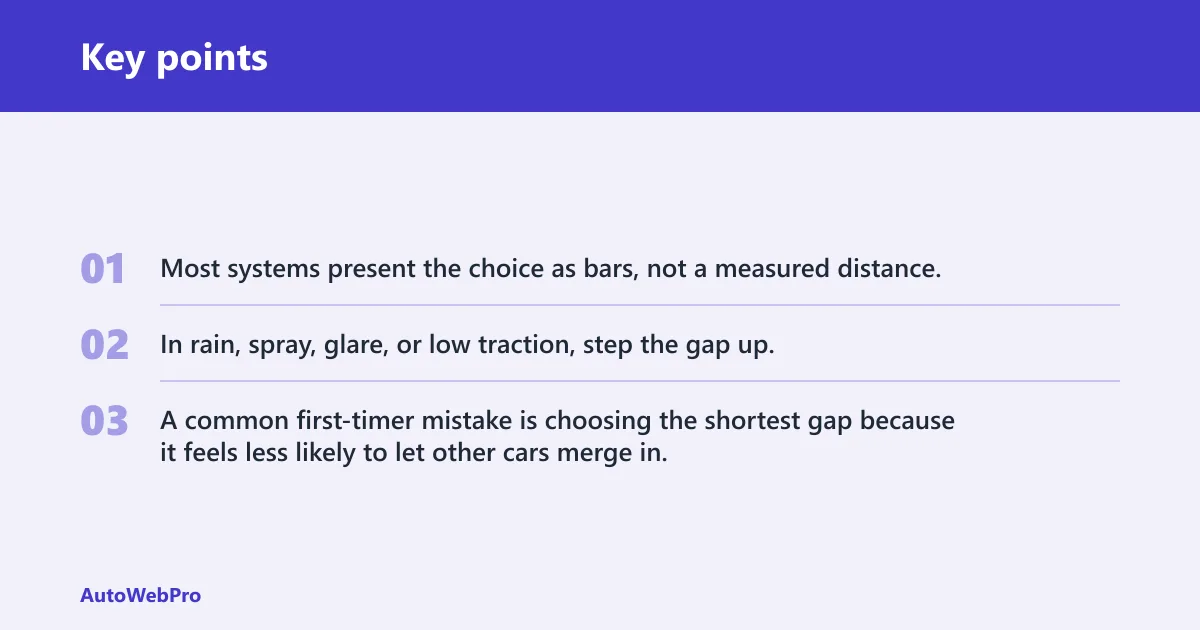
Most systems present the choice as bars, not a measured distance. That matters because the actual space grows with speed. A gap that looks modest at 30 mph becomes a much longer physical distance at 70 mph, even when the dashboard still shows the same number of bars.
How to choose a useful setting
Use the gap strategically, not by habit. A middle or longer setting is the better default for highway cruising because it gives the system more room to brake progressively instead of late. In rain, spray, glare, or low traction, step the gap up. In dense traffic, a very long gap may invite frequent cut-ins, so a middle setting often balances space with traffic flow.
A common first-timer mistake is choosing the shortest gap because it feels less likely to let other cars merge in. The tradeoff is simple: the car will appear to wait longer, then brake more abruptly once a lead vehicle is firmly established.
Does adaptive cruise control work in stop-and-go traffic?
Some adaptive cruise systems work in stop-and-go traffic, but others do not. Many systems can only be set above 20 mph, some slow to low speeds without bringing the car fully to a stop, and some can come to a complete stop and resume or require driver input after stopping.
Three low-speed system types
The first type is highway-speed ACC only. It may disengage below a threshold or warn the driver to brake as speeds drop. The second type slows deep into traffic but may not hold the vehicle at a full stop. The third type includes stop-and-go capability and can brake to zero in heavy traffic.
Consumer Reports says some ACC systems can come to a complete stop and resume. Consumer Reports also notes some systems do not start again automatically after a stop. That means one stop-and-go system may roll away by itself after a brief pause, while another may need a tap of the throttle or the RES+ button.
What to do in a traffic jam
Jeep is one example where some systems include Stop & Go capability in heavy traffic. MotorTrend also says many ACC systems include stop-and-go or traffic jam assist. Even so, you should know whether the specific vehicle will hold at zero, how long it will wait, and what input resumes motion.
Say your car stops behind traffic and holds for three seconds, then the line starts moving. If the vehicle does not creep forward by itself, glance at the cluster for a resume prompt and be ready to tap RES+ or the accelerator rather than waiting for a gap to open and then lunging forward manually.
When should you take over or cancel ACC?
The right time to take over is before the system is forced into a hard decision it may not handle smoothly: sudden cut-ins, strong braking by the lead car, stopped traffic on limited systems, confusing merges, blocked sensors, heavy rain, snow, glare, or unclear lane flow. Brake or cancel early rather than waiting for certainty.
Traffic events that change the job
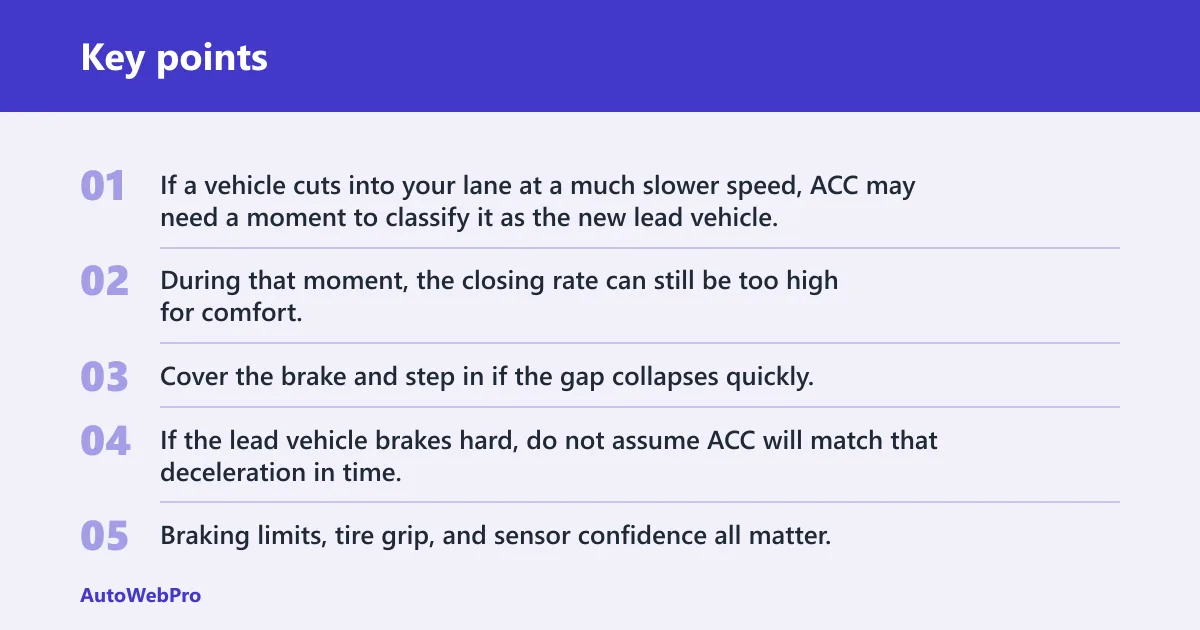
If a vehicle cuts into your lane at a much slower speed, ACC may need a moment to classify it as the new lead vehicle. During that moment, the closing rate can still be too high for comfort. Cover the brake and step in if the gap collapses quickly.
If the lead vehicle brakes hard, do not assume ACC will match that deceleration in time. Braking limits, tire grip, and sensor confidence all matter. A fast takeover is especially important if the road is wet or if another vehicle is already tailgating behind you.
Curves and exits are another weak point. Depending on the system, the radar may momentarily favor a vehicle in an adjacent lane, or the camera may lose confidence over a crest or bend. If traffic is sorting itself into ramps, merges, or split lanes, cancel and drive directly.
Sensor and weather limits
Radar can be affected by snow pack, road grime, slush, and heavy spray on the front bumper area. Cameras can be limited by glare, fogging, dirt on the windshield, ice near the camera housing, or low-contrast conditions. Those are common operating limits, not rare edge cases.
If the cluster warns that sensors are blocked or ACC is unavailable, treat that as a direct loss of function. Do not keep the system on and hope it recovers before traffic compresses ahead.
Driver responsibility does not change
Hands stay on the wheel. Eyes stay on the road. The driver should be ready to brake, steer, or accelerate at any time, whether ACC is running alone or paired with lane centering. More advanced systems such as BlueCruise and Super Cruise are separate products with different operating rules, and their presence does not change what standard ACC can do.
What ACC lets you stop doing — and what it still requires
Adaptive cruise control can take over throttle and braking on suitable roads, which means you may not need to constantly adjust speed in traffic or on long highway stretches. But it does not replace active driving: you still need to watch the road, keep your hands on the wheel, and be ready to brake, steer, or switch off the system when conditions change.
The supporting guide on adaptive cruise control rules breaks down the practical limits, including when ACC is fine to use, what it never allows you to ignore, and why you should cancel it for curves, cut-ins, stopped traffic, or poor weather. That makes it useful for avoiding overreliance and using the feature safely.
ACC use checklist
Pre-drive setup
| Check | What to confirm | Why it matters |
|---|---|---|
| Controls | Find ON/OFF, SET, RES+, CANCEL, and the gap button with the car-and-bars icon. | You need instant access without looking down in traffic. |
| Cluster icons | Know the standby icon, active cruise icon, and lead-vehicle indicator. | The display tells you whether ACC is merely on or actually tracking traffic. |
| Sensor view | Check the windshield camera area and front radar area for dirt, ice, snow, or heavy bug buildup. | Blocked sensors can disable ACC or delay vehicle detection. |
| Road match | Use ACC first on a divided highway or a stable commute route, not in city-center stop-start unpredictability. | The first drive should happen where traffic behavior is easier to read. |
| Starting gap | Choose a middle setting for the first use, then adjust after seeing how the car reacts. | It gives more margin while you learn the system’s pacing. |
In-motion operating rules
- Set speed cleanly. Engage ACC after reaching a steady speed and lane position. Avoid setting it while already closing quickly on a slower vehicle because that makes the first braking event abrupt and harder to judge.
- Watch the lead icon. Confirm that the cluster shows a tracked vehicle when one is ahead. If the icon drops out over a crest, curve, or merge, expect the car to accelerate toward the set speed unless you step in.
- Adjust the gap early. Use a middle or longer gap for dry highway cruising, step up one level for wet roads or heavy spray, and avoid the shortest gap until you know how assertively the system follows. Gap behavior varies by manufacturer and trim.
- Cancel before complexity. Switch ACC off before toll plazas, lane splits, sharp ramps, work zones, and intersections. ACC is strongest in stable lane-following traffic, not in places where the target vehicle can change suddenly.
- Stay ready to override. Touch the brake to cancel, steer around hazards when needed, or add throttle if a safe merge or short resume requires it. Driver input always outranks ACC, and that is how it should work.
Intervention triggers
| Situation | What the system may do | What the driver should do immediately |
|---|---|---|
| Cut-in at a short gap | Detect the new lead vehicle after a brief delay, then brake harder than expected. | Cover the brake, increase gap afterward, and cancel if traffic keeps weaving. |
| Sensor blockage warning | Reduce function, lose lead-vehicle tracking, or shut ACC off. | Take full control at once and clear the sensors when safe. |
| Stopped traffic ahead on a limited-speed system | Warn late, disengage, or fail to brake to a full stop. | Brake manually and do not wait for the system to prove it can stop. |
| Unusual weather | Radar and camera confidence may drop in heavy rain, snow, glare, slush, or dense road spray. | Increase following distance first, then cancel ACC if detection becomes inconsistent. |
Consumer Reports surveyed about 47,000 vehicles for driver-assistance satisfaction, and most survey respondents were very satisfied with ACC. Satisfaction is real, but it only translates into safer use when the driver knows the system’s low-speed behavior, resume rules, and failure points.
Frequently asked questions
Do you still need to brake and steer with adaptive cruise control?
Yes. ACC can brake and accelerate automatically within system limits, but it does not replace attentive driving. The driver must still steer, monitor closing speeds, handle sudden cut-ins, and brake for stopped traffic, blocked sensors, bad weather, or any situation where the system’s response looks late or uncertain.
Is adaptive cruise control the same as regular cruise control?
No. Regular cruise control only holds the selected speed until the driver brakes or cancels it. Adaptive cruise control also monitors traffic ahead and changes speed to maintain the selected following gap, which is why it needs radar, cameras, or both and why it has extra controls and displays.
When does adaptive cruise control not work well?
ACC is weakest in heavy rain, snow, glare, road spray, blocked-sensor conditions, sharp curves, confusing merges, and stopped traffic if the system lacks full-speed-range operation. It can also react awkwardly to small vehicles or fast cut-ins when traffic changes quicker than the sensors classify the new lead vehicle.
How do you use adaptive cruise control step by step?
Identify the ACC buttons first, switch the system on, reach a stable speed, press SET, choose a gap, and confirm the cluster shows a lead vehicle when one is ahead. Then monitor traffic continuously and cancel early for ramps, complex merges, sensor warnings, or braking situations that feel tighter than expected.