What Are You Allowed to Do with Adaptive Cruise Control?
With adaptive cruise control, you can lift your right foot and let the car manage speed and following distance on suitable roads, but you still need to stay alert, keep your hands on the wheel, and take over for curves, cut-ins, stopped traffic, and poor weather. Ignore those limits and ACC can leave too much speed or spacing to chance. This guide explains what ACC lets you stop doing, what it never replaces, and when to cancel it and drive manually.
What adaptive cruise control lets you do
Adaptive cruise control, or ACC, lets you hold a driver-selected speed without constant pedal input while the system automatically adjusts acceleration and braking to maintain a chosen gap to the vehicle ahead. On suitable roads, it can slow when traffic slows and then return toward the set speed when the lane opens.
That is the core permission. You may let the system handle routine speed changes, but only inside its design limits and only while you keep supervising the road. ACC uses radar sensors, cameras, and location technology, and those inputs can be affected by blockage, glare, weather, or debris.
What that means in practice
You can treat ACC as a workload reducer, not as a substitute driver. On many vehicles, the driver sets the speed with a steering-wheel control and then chooses the following gap with a button that shows a car and distance bars. Most systems let you move that gap from close to far in steps.
Suppose you are on a divided highway at a steady pace and a slower car moves into your lane. ACC should reduce speed to keep the selected gap, but you still need to watch for sudden lane changes, braking traffic, and vehicles that cut in with little space.
Allowed checklist
| Allowed | Not allowed | Only if your car supports it |
|---|---|---|
| Keep your hands on the wheel while ACC manages speed. | Let go of steering responsibility. | Some systems add lane centering, but ACC alone still requires steering input. |
| Rest your feet when the system is holding speed. | Assume you can stop paying attention to traffic. | Some vehicles warn more clearly if pedal input is needed again. |
| Change lanes and then let ACC settle back into the new gap. | Expect ACC to manage the lane change for you. | Lane keep assist or lane centering may help, but that is separate from ACC. |
| Use the brake to cancel ACC when needed. | Assume braking will preserve the active setting. | Some vehicles resume with SET or RES after a cancel or stop. |
| Allow stop-and-go behavior if the vehicle supports it. | Assume every system can restart itself after a full stop. | Some systems continue from a stop; others require a manual restart. |
| Drive with ACC only when sensors are clear and traffic is predictable. | Use ACC as if blocked sensors still work normally. | Radar and cameras may be degraded by snow, ice, dirt, glare, or debris. |
| Cancel ACC in complex traffic or poor visibility. | Leave it on through situations it may not interpret correctly. | Traffic jam assist, if fitted, may handle slower traffic better than basic ACC. |
How to read the table
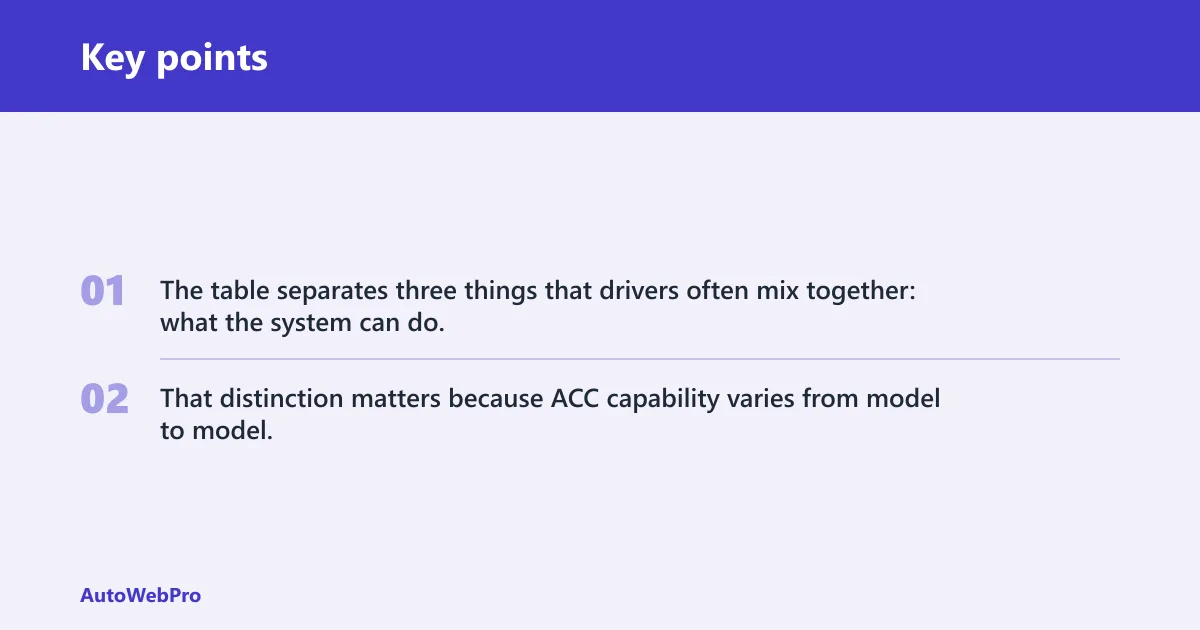
The table separates three things that drivers often mix together: what the system can do, what you are allowed to rely on, and what depends on the vehicle. That distinction matters because ACC capability varies from model to model, especially for stop-and-go behavior and resume behavior after a full stop.
What are you not allowed to do with ACC?
You are not allowed to assume ACC will handle every slowdown, every cut-in, or every steering task. You also are not allowed to treat it like self-driving. ACC alone is rated Level 1 on the SAE scale, and even with lane centering it can move toward Level 2 without becoming self-driving. (Motortrend)
That means you still must monitor traffic, steer, and brake when needed. ACC is not permission to look away from the road, hand off responsibility, or trust the car to solve poor visibility, sharp curves, or unexpected stops ahead.
Three common misuse cases
- Waiting too long to brake because the car “should” slow first.
- Assuming a clear lane means you can stop watching mirrors and side traffic.
- Leaving ACC active through fog, heavy spray, snow buildup, or sensor blockage.
What are you allowed to do after switching it on?
After switching ACC on, you are allowed to set your speed, adjust the following gap, and let the system maintain a set pace within its operating range. Many systems are set above 20 mph, though low-speed behavior varies by vehicle. If the vehicle supports resume, you may use SET or RES after a cancel or stop. (Consumerreports)
You are also allowed to change the gap setting as traffic conditions change. A farther setting usually leaves more space to the vehicle ahead, while a closer setting keeps you nearer to traffic flow. That setting changes spacing, not your duty to watch the road.
How to activate and adjust it
Many ACC systems are activated with a steering-wheel button showing a car next to a speedometer. From there, you usually set the cruising speed, then use the distance control to choose the gap. Brake input often cancels the system, and some vehicles allow resume with SET or RES.
Picture a car set for 65 mph on a dry motorway. If traffic tightens, ACC can trim speed to keep the gap. If the lane clears, the system may accelerate back toward 65 mph, but only within its programmed limits.
What are you allowed to do when adaptive cruise control is on?
When ACC is on, you can supervise rather than constantly work the accelerator. That means your right foot can stay off the pedal, provided the road suits the system and your vehicle supports the current speed range. You may still cancel it at any time with the brake or the control system.
You are not allowed to hand over full driving judgment. ACC may reduce speed if a slower vehicle moves in front of you, but it does not decide whether the lane is safe, whether a merge is likely, or whether the road surface calls for manual control.
What remains your job
- Watch traffic ahead and around you.
- Keep your hands on the wheel.
- Brake for stopped traffic if the system does not.
- Steer around hazards, debris, or lane changes.
- Cancel ACC when conditions become uncertain.
Does adaptive cruise control work in stop-and-go traffic?
Some ACC systems work in stop-and-go traffic and may bring the car to a complete halt if necessary. Consumer Reports says some systems can come to a stop and continue while others cannot. That difference matters, because a full stop may end with an automatic restart on one vehicle and a manual restart on another.
Some systems carry names such as traffic jam assist or stop and go. Even then, you still need to know whether your vehicle resumes on its own after the stop or expects you to press a button, touch the accelerator, or use SET or RES again.
Stop-and-go limits to watch
Low-speed operation is where drivers most often overestimate ACC. A system may be comfortable down to crawling traffic and still require a restart after standing still. Another may hold the stop and continue once traffic moves. You need the owner’s manual for that detail, not a guess.
When should you cancel adaptive cruise control?
You should cancel ACC when the road conditions stop matching what the system can read and control well. That includes bad weather, blocked sensors, complex urban traffic, merging zones, sudden cut-ins, and any situation where you want full manual control of speed and spacing. Do not wait for the system to sort it out.
Cancel it sooner if the camera or radar view is compromised. Weather and debris can adversely affect ACC if sensors are obstructed. Dirt, snow, ice, road spray, or damage can reduce how well the system measures distance and relative speed ahead.
Take back control in these moments
- Heavy rain, snow, fog, or glare.
- Dirty or blocked front sensors.
- Urban traffic with frequent lane changes.
- Work zones, tight merges, or abrupt cut-ins.
- After a full stop if your car does not resume on its own.
What are you not allowed to do when using adaptive cruise control?
You are not allowed to use ACC in place of active steering and braking. You should not assume the system will detect every hazard, because radar sensors measure distance and relative speed ahead, cameras help detect and track vehicles, and both can be affected by obstruction or visibility problems. ACC is assistance, not substitution.
You are also not allowed to relax your attention just because the set speed is stable. The system can slow for a vehicle ahead, but it may not respond the way you expect to a stationary hazard, a sharp curve, or an object that is not clearly classified by the sensors.
Is adaptive cruise control self-driving?
No. ACC alone is Level 1 driver assistance. It automatically adjusts acceleration and braking, but the driver still steers the vehicle and stays responsible for the road. That is a clear line between assistance and automation, and it does not disappear just because the car is helping with speed.
ACC plus lane centering can move toward Level 2, but it is still not self-driving. Lane keep assist or lane centering can add steering support, yet supervision remains mandatory. The driver must be ready to intervene the moment traffic, road layout, or sensor input changes.
How to turn on adaptive cruise control
To turn on ACC, use the vehicle’s cruise-control switch or button set, then select a speed and, on many models, choose a following gap. Many systems use a steering-wheel button with a car next to a speedometer. After that, the system maintains the chosen speed and spacing within its limits.
Some vehicles also have a separate distance button that shows a car with horizontal bars. That button usually changes the following gap, not the target speed. If the brake is pressed, many systems cancel and may later resume with SET or RES if your vehicle allows it.
Basic activation sequence
- Reach a road speed within the system’s operating range.
- Press the ACC on or set control.
- Select the desired set speed.
- Choose the following gap.
- Confirm that the system has taken over speed control.
Frequently asked questions
What are you allowed to do with adaptive cruise control?
You are allowed to let ACC maintain a chosen speed and following gap on suitable roads while you keep supervising traffic. You may rest your right foot, adjust the gap, and use resume controls if your vehicle supports them. You may not give up steering, braking judgment, or attention.
What are you not allowed to do with adaptive cruise control?
You are not allowed to treat ACC as a replacement for the driver. Do not assume it will handle every slowdown, every stop, or every merge. Do not use it while ignoring the road, and do not assume blocked sensors or bad weather will not affect it.
What are you allowed to do after switching on adaptive cruise control?
After switching it on, you may set your speed, choose the following distance, and let the system manage routine acceleration and braking. If your vehicle supports it, you may resume with SET or RES after a cancel or a stop. The exact behavior depends on the model.
Can you turn off adaptive cruise control?
Yes. You can cancel ACC with the brake on many vehicles, or switch it off with the cruise-control controls. That is often the right move when the road becomes complex, visibility drops, sensors are blocked, or traffic patterns become too unpredictable for the system.