Best Public Charging Tips for New EV Drivers
For new EV drivers, the best public charging tip is to match the charger to the stop: use DC fast charging for quick top-ups, Level 2 for longer stays, and check plug type, payment method, and speed before you park. A bad setup wastes time, adds cost, and can leave you waiting at a stalled session. This guide covers stall selection, payment setup, first-plug steps, charging etiquette, and fast fixes when a session fails.
Public charging basics
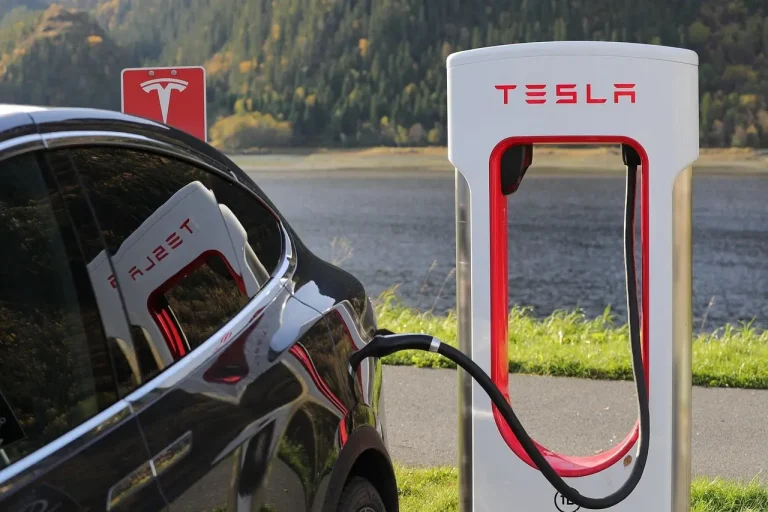
Public charging varies more than home charging. A Level 2 stall fits a long stop, while a DC fast charger is the right tool for a short stop on a trip. The stall, the payment flow, and the connector can all differ from one site to the next.
Level 2 vs. DC fast charging
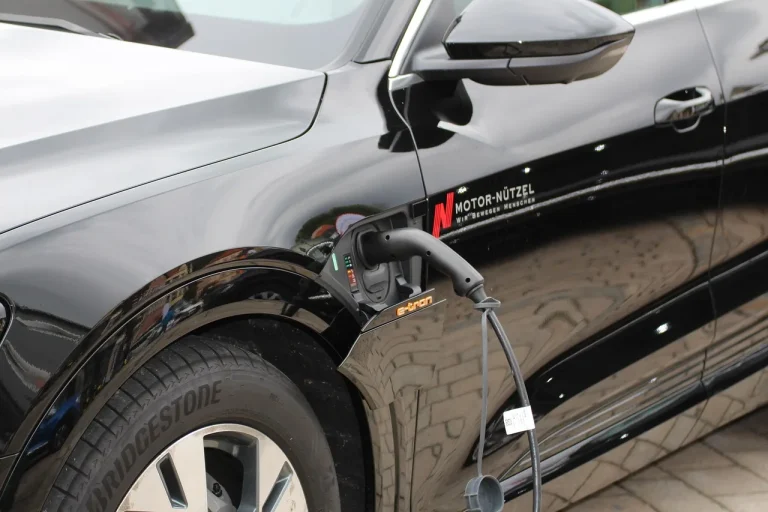
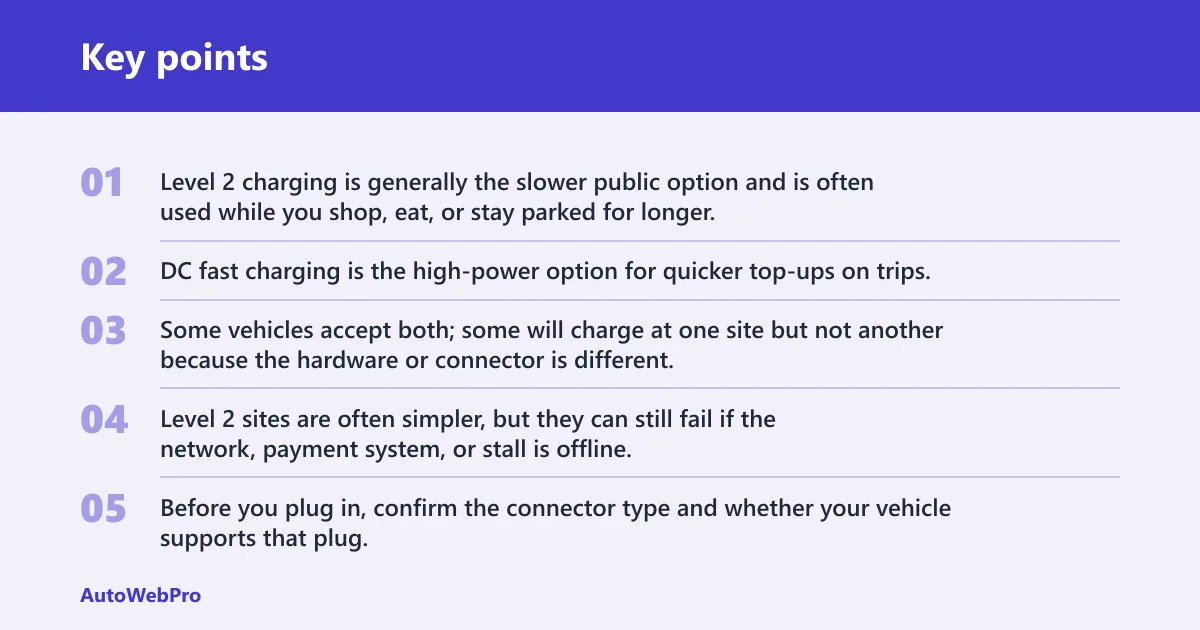
Level 2 charging is generally the slower public option and is often used while you shop, eat, or stay parked for longer. DC fast charging is the high-power option for quicker top-ups on trips. Some vehicles accept both; some will charge at one site but not another because the hardware or connector is different. (Power-sonic)
Speed also affects payment flow. A DC fast charger may push you toward an app, a card reader, or Plug and Charge because the station is built for quicker turnover. Level 2 sites are often simpler, but they can still fail if the network, payment system, or stall is offline.
Connector fit and vehicle compatibility
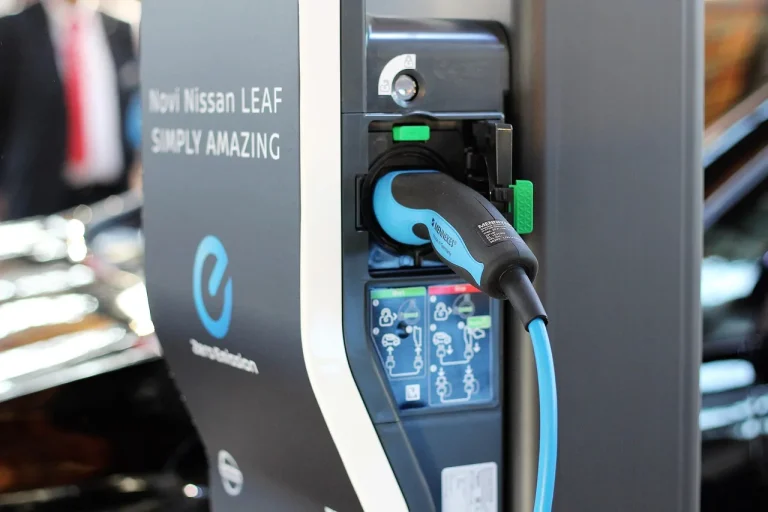
Before you plug in, confirm the connector type and whether your vehicle supports that plug. Compatibility is a stall-by-stall issue. The charger may be public, but that does not mean every EV can use it without an adapter or a different network-specific method.
Check the charge port location too. A cable may reach one side of the vehicle easily and fall short at another stall. If the cable angle looks awkward before you park, choose a different stall. That avoids blocking the next driver and saves time.
What changes from station to station
Public charging stations differ in price, payment method, reliability, and status display. CBC reported that prices could differ sharply for the same charge across providers, with one 20-minute charge documented at $10.09 and another at $5.20. CBC also reported seven of 12 stations had some kind of challenge, and two locations could not be charged at all.
That is why station status matters as much as plug type. A charger can look available in an app and still be offline, in maintenance, or unable to start a session. A quick check before you park prevents the most common beginner mistake: committing to the first stall without a backup.
What to check before you plug
Before you park, check four things: connector compatibility, station status, payment method, and your battery buffer. If any one of those looks wrong, keep moving. A good stall is the one that starts a session quickly and fits your route, not the one closest to the door.
- Check the connector. Match the plug type to your vehicle and make sure the cable can reach your charge port. If the site offers multiple connector types, pick the one your EV supports without adapters unless your manual says otherwise.
- Check the station status. Look for broken screens, out-of-service messages, hanging connectors, or obvious maintenance signs. If the charger already looks offline, skip it and choose another stall before you begin the payment process.
- Check the payment path. Decide whether you will use an app, card reader, or Plug and Charge before you plug in. Starting with the wrong method often leads to a timeout, a failed login, or a stalled session start.
- Check your buffer. Arrive with enough battery to leave room for the next option if this station fails. A practical rule is to keep enough range to reach another charger on your route, plus a margin for traffic, weather, and detours.
Suppose you pull into a DC fast charger with 14% battery and the screen shows a payment error. If the next reliable station is 20 minutes away, that may still be fine. If the next station is 45 minutes away and you are already low, you should have chosen the backup first.
How do you start a public charging session?
Start a public charging session by choosing the payment method the station supports, plugging in only after the station is ready, and confirming that charging has actually begun. The order matters. If you plug in too early or choose the wrong method first, some networks will not start the session.
App-based start
- Open the correct app. Use the charging network app for that station when possible. Many networks require account setup, payment details, or a station code before charging can begin.
- Select the station. Find the stall number or scan the code if the network uses one. Confirm that the stall number in the app matches the stall in front of you.
- Authorize payment. Use the saved card or account payment method in the app. If the app times out or cannot pair with the stall, stop and move to the backup method rather than repeating the same failed attempt.
- Plug in and confirm. Connect the cable firmly and wait for the charger or vehicle display to show that charging has started. If the session does not begin within a short wait, try the next method or another stall.
Card reader start
- Wake the screen. Tap or touch the station screen first if it is dark. Some readers only work after the station is active.
- Insert or tap the card. Use the reader if the site offers one. A card reader can be the better first choice when the app is unavailable or your phone has poor signal.
- Follow the prompt. Approve the payment and then connect the plug when the station tells you to. A reader can be slower than app payment, but it can save the session when the app fails.
- Watch for start confirmation. Do not assume the charge has begun until the screen, the vehicle, or the network app confirms it. If the reader fails twice, leave that stall and try another one.
Plug and Charge start
Plug and Charge uses ISO-15118-based authentication so the car and network can identify each other without app login or card entry. It can remove a lot of friction, but only if your vehicle and the charging network support it. Electrek reported EVgo expanded Plug and Charge eligibility to over 50 EV models, and it said Volvo EX90 drivers can charge without opening an app or using a credit card.
Electrek also described Plug and Charge as available on public charging networks including Superchargers and IONNA, and said it can skip app, credit card, or RFID steps. If your vehicle supports it and the network accepts it, this is the cleanest start. If it does not work, fall back to app or card without wasting time on repeated plug cycles.
How do you stop a session and unplug safely?
Stop the session through the method that started it, wait for the connector to release, and remove the plug without forcing it. Most public stations will not release the cable until the session has ended cleanly. If you pull too soon, you can trigger a fault or leave the stall locked.
- End the session first. Use the app, screen, or vehicle prompt that the network provides. If you used Plug and Charge, the vehicle or station should still show an end-charge option.
- Wait for release confirmation. Watch for the connector light or lock to change before removing the plug. Do not tug on the cable while it is still locked.
- Replace the connector. Return the plug to its holster and make sure the cable is not blocking the stall. A neat reset helps the next driver and reduces the chance of a fault on the next session.
What should you do if the charger will not work?
If the charger will not work, stop repeating the same failed action and switch to the next fallback. Most failures come from three places: the app, the reader, or the stall itself. The fastest fix is usually to change method or change stalls before your battery gets too low.
App fails or will not pair
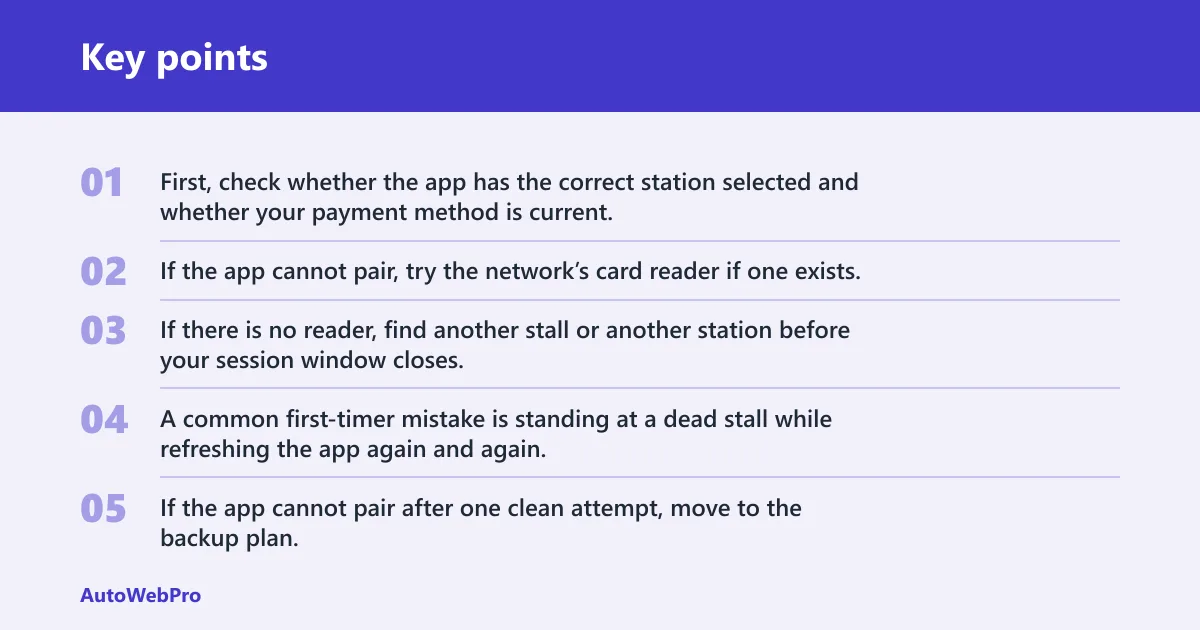
First, check whether the app has the correct station selected and whether your payment method is current. If the app cannot pair, try the network’s card reader if one exists. If there is no reader, find another stall or another station before your session window closes.
A common first-timer mistake is standing at a dead stall while refreshing the app again and again. That burns time and battery. If the app cannot pair after one clean attempt, move to the backup plan.
Card reader fails or is missing
If the card reader does not respond, try a second card only if the station allows it. If the reader is missing, broken, or gives a declined message with a card that should work, do not keep retrying the same device. Use the app if it is available, or leave for another station.
Station looks offline or the plug will not latch
If the screen says offline, the connector will not latch, or the station never wakes up, treat it as unavailable. A broken latch usually means the session cannot begin safely. Move to another stall immediately if one is open; if not, leave and charge elsewhere.
Picture a DC fast charger with a dead screen and a connector that will not lock. The right move is not to keep forcing the handle. It is to choose another stall, because a failed latch often becomes a failed session.
Public charging costs and payment choices
Public charging pricing is not standardized. Some networks charge per kWh, some by session, and some use a mix of both with extra idle or time-based fees. CBC documented how sharply pricing can vary, including the $10.09 and $5.20 20-minute charges at different stations.
Per-kWh and per-session pricing
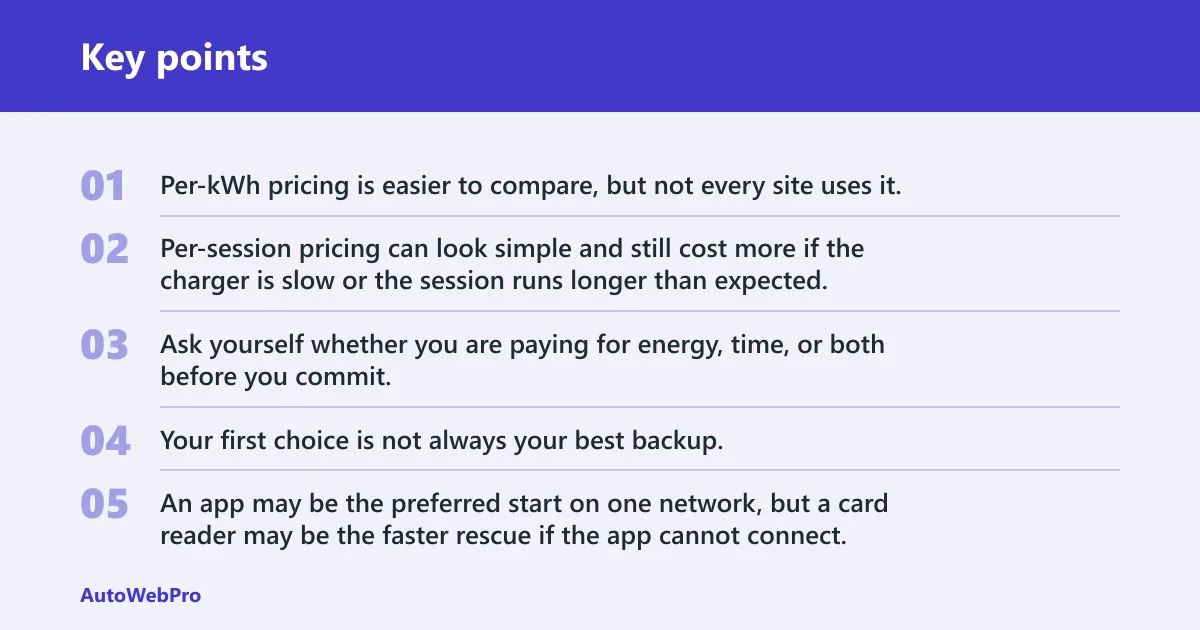
Per-kWh pricing is easier to compare, but not every site uses it. Per-session pricing can look simple and still cost more if the charger is slow or the session runs longer than expected. Ask yourself whether you are paying for energy, time, or both before you commit.
| Pricing model | What it charges for | Best use case | What to watch |
|---|---|---|---|
| Per-kWh | Energy delivered | Most fair for a known top-up need | May still vary by network or location |
| Per-session | One charging visit | Short, predictable stops | Can be costly if the stall is slow |
| Mixed fees | Energy plus time or idle charges | Busy sites that need turnover | Idle fees can surprise new drivers |
Why the first payment method may not be the best backup
Your first choice is not always your best backup. An app may be the preferred start on one network, but a card reader may be the faster rescue if the app cannot connect. Plug and Charge may be ideal, but it only helps when both the vehicle and the network support it.
Keep at least two payment paths in mind before you arrive. That way, if the app stalls, you can move straight to the card reader or a different station without guessing.
How to avoid surprise charges
Check whether the station bills by time, by energy, or by both. Watch for idle fees after the car finishes. If the network app shows the price before you start, read it before you accept. Public charging is easier to manage when you know the billing model first.
Charging network reliability and route planning
Charging network reliability matters most on trips. A station that is fine for a local top-up can become a bad choice if it is the only one for many miles. CBC reported more than 26,000 public EV charging stations in Canada, and also said two federal programs funded more than 47,000 charging stations since 2016. More chargers help, but they do not erase station-level failures.
Why uptime matters on trips
On a road trip, a broken station is not a small inconvenience. It can change your arrival time, your next stop, and your battery margin. DC fast charging is useful because it shortens the stop, but it also depends on station power, network status, and vehicle compatibility.
How much battery buffer to keep
Keep enough battery to reach another charger if the first one fails. That buffer should cover traffic, cold weather, hills, and a station search. The exact margin depends on the route, but the rule is simple: do not arrive so low that you cannot leave if the site is dead.
When to skip a weak station and keep moving
Skip a station when the app shows poor status, the site has multiple complaints, or you can already see a dead screen or broken plug. If another reliable station is within your buffer, take that one instead. Time lost at a questionable stall often costs more than a slightly longer drive to a better site.
Public charging decision checklist
This checklist gives you a stall-by-stall decision path for three common situations. Use it before you plug in, and use the fallback branch if anything fails. The goal is to keep the session moving or leave quickly if it cannot start.
| Scenario | Exact steps | What to check first | Payment method to try first | When to leave |
|---|---|---|---|---|
| First-time local top-up | Confirm connector fit, park at an open stall, start the session, confirm charging, then monitor the first few minutes | Plug type, port location, screen status, posted price | App first if the network requires it; card reader first if the app is slow or unavailable | Leave if the stall is offline, the app cannot pair after one attempt, or the reader fails twice |
| Road-trip fast charge | Check station status before arrival, choose the fastest compatible stall, start quickly, then stop once you have enough range for the next leg | Uptime, connector support, power level, backup station | Plug and Charge if supported; otherwise app, then card reader | Leave if the station is offline, the plug will not latch, or the first payment path fails and your buffer is shrinking |
| Failed-session recovery | Stop retrying the same method, switch to the next payment path, move to a different stall if one is open, or go to another station | Error message, screen state, cable lock, remaining battery | Whatever is different from the failed method: app to card, card to app, or both to another station | Leave after one failed start on a dead-looking stall or two failed methods at the same site |
Frequently asked questions
How do I use an EV charger in public for the first time?
Find a compatible stall, check the screen and connector, choose the payment method the station supports, then plug in and wait for a clear start confirmation. If the first attempt fails, switch to the next method or another stall instead of repeating the same step.
How do I start and stop a public EV charging session?
Start by authenticating through the app, card reader, or Plug and Charge, then plug in and confirm that charging has begun. Stop the session through the same system, wait for the connector to release, and only then remove the plug and return it to the holster.
What should I do before plugging into a public charger?
Check connector compatibility, station status, payment method, and your battery buffer before you park. If the charger looks offline, the plug does not match your vehicle, or your battery is too low to reach another station, choose a different stall or location.
How do I know if my EV is compatible with a public charger?
Match your vehicle’s connector type to the charger’s plug, and confirm whether the network supports your car’s charging standard. If your EV supports Plug and Charge, that can reduce friction, but it still only works on supported vehicles and networks.
Do I need an app, card, or Plug and Charge to charge publicly?
You need the method the station accepts, and that varies by network. Some stalls work through an app, some through a card reader, and some support Plug and Charge. Bring at least one backup payment path so you are not stuck if the first method fails.
What should I do if a public charger won’t work?
Try one alternate payment method, then move on if it still fails. If the app cannot pair, use the reader. If the reader fails or is missing, try another stall or another station. Do not keep retrying a dead unit while your battery keeps dropping.
How can I avoid overpaying at public charging stations?
Check whether the station bills by kWh, by session, or by both before you start. Compare nearby sites if you have the battery to do so, because CBC documented sharp price differences for the same charge. The cheapest station is not always the best if it is slow or unreliable.
How fast are public charging speeds, and when should I use DC fast charging?
Use DC fast charging when you need a quicker top-up on a trip or on a tight schedule. Use Level 2 when you can stay parked longer. Charging speed depends on the car, the stall, the network, and whether the station is actually delivering full power.