What Are Voice Commands in a Car, and What Can They Control?
Voice commands in a car are spoken instructions that can control media, phone and navigation, and selected vehicle functions. Used poorly, they can slow you down, add distraction, or leave you guessing what the system can actually do. This guide explains the three control levels, what they usually handle, and where the limits are.
What are voice commands in a car?
Voice commands in a car are spoken inputs that a vehicle system, phone projection platform, or connected assistant interprets and turns into actions. The same phrase can mean different things depending on whether the car is using its built-in infotainment system, Android Auto, Apple CarPlay, or a phone assistant such as Google Assistant or Siri.
Think of voice control as a command layer on top of the screen and buttons. Your speech goes to a microphone array, noise-cancellation software filters cabin sound, automatic speech recognition turns speech into text, and natural language understanding maps that text to an intent such as “call a contact” or “play a playlist.”
That is why one car may understand “play some music” while another may ask for a source, artist, or app first. The platform matters, and the feature set matters too.
How the car turns speech into actions
The vehicle infotainment system is the coordinator. It may handle local voice commands itself, hand the request to a paired phone, or send the request to a connected cloud service. Google hotwords can start voice queries in the car, but the wake word is only the start; the rest depends on the system behind it.
Android Auto and Android Automotive OS (AAOS) both deliver voice actions to apps through onPlayFromSearch. On AAOS, that search can include extras such as artist, album, genre, playlist, and title. Android Auto and AAOS also support empty search strings for general music requests.
📊 Apple support includes Voice Control as an accessibility feature for iPadOS 27. Source: Apple.
What can car voice commands control?
Many car voice commands fall into three control levels: media, phone and navigation, and selected vehicle functions. The first two are common in typical cars. The third is more limited and depends heavily on the manufacturer, model, trim, and software platform.
Media: music, podcasts, and radio
Media is the most reliable category. In many systems, you can ask for a song, playlist, genre, album, artist, podcast, or radio station. Android Auto and AAOS recognize playback commands like pause music and next song, and they can handle queries such as “play some music.”
Phone and messages
Voice control often works well for calls, contacts, and texts because the request is narrow. A typical command is “call home” or “text Sam I’m running late.” The system may still ask for confirmation before sending a message, especially if it needs to read back the text first.
Navigation and route changes
Navigation is another common use. You can ask for directions, a nearby place, or a route change. Google Assistant is widely used for driving tasks such as directions, calls, and music, while in some Android Automotive contexts Gemini has replaced Google Assistant. That shift affects the assistant layer, not the car’s physical controls.
Climate and selected vehicle settings
Climate control is increasingly available through voice, but it is not universal. Some systems can handle temperature changes, fan speed, seat heating, or defrost. Deeper vehicle functions, including windows and seats, are what many modern OEM voice assistants are trying to control, yet support still varies by model and software version.
Voice commands matrix
This matrix shows 20 common voice commands and where they usually fit. “Usually” matters here: platform support changes by car, app, and account setup, and some features need a connected vehicle or internet access.
| Command example | Control level | Usually works through | Works best when | Common failure reason |
|---|---|---|---|---|
| Play some music | Media | Android Auto, AAOS, built-in OEM voice | You have a music app signed in and a clear default source | No app permissions, no account, or unclear source |
| Play my playlist | Media | Android Auto, AAOS, built-in OEM voice | The app recognizes your library and playlist names | Playlist name mismatch or unsupported app |
| Play this song | Media | Android Auto, AAOS, built-in OEM voice | The system can identify the current track or search query | Ambiguous title or poor speech recognition |
| Play songs by this artist | Media | Android Auto, AAOS, built-in OEM voice | Artist metadata is available in the app | Library lacks the artist or the name is misheard |
| Play jazz | Media | Android Auto, AAOS, built-in OEM voice | Your app accepts genre search | Genre tags are missing or the app cannot search by genre |
| Pause music | Media | Android Auto, AAOS, Apple CarPlay, built-in OEM voice | Playback is active and the assistant is listening | Wrong input source or the assistant did not wake |
| Next song | Media | Android Auto, AAOS, Apple CarPlay, built-in OEM voice | The app supports basic transport controls | Streaming app is paused, buffered, or not focused |
| Call home | Phone | Android Auto, Apple CarPlay, built-in OEM voice | Contacts are synced and the mic can hear you clearly | Contact not saved or speech misread |
| Call Sam mobile | Phone | Android Auto, Apple CarPlay, built-in OEM voice | The contact name is unique in your address book | Duplicate contacts or unclear pronunciation |
| Text Alex I’m five minutes late | Phone | Android Auto, Apple CarPlay, built-in OEM voice | Messaging is connected and the system can confirm the text | Account permissions, message app limits, or confirmation timeout |
| Read my last message | Phone | Android Auto, Apple CarPlay, built-in OEM voice | Message access is allowed | Privacy setting blocks message access |
| Navigate to work | Navigation | Android Auto, Apple CarPlay, built-in OEM voice | Home and work labels are saved in maps or contacts | No saved place or map account not connected |
| Take me to the nearest gas station | Navigation | Android Auto, Apple CarPlay, Google Assistant, built-in OEM voice | Maps data and location services are available | No data signal or nearby place search fails |
| Find a coffee shop along my route | Navigation | Android Auto, Apple CarPlay, Google Assistant, built-in OEM voice | The route is active and the map app can reroute | Routing engine does not support detour search |
| Set temperature to 72 degrees | Climate | Built-in OEM voice, connected vehicles | The car supports spoken climate controls | The model lacks voice climate support |
| Turn the fan down | Climate | Built-in OEM voice, connected vehicles | Climate controls are linked to the voice system | System expects a numeric level, not a relative change |
| Turn on the heated seat | Vehicle settings | Built-in OEM voice, connected vehicles | The trim includes heated seats and voice access | Feature is missing on that trim or region |
| Open the sunroof | Vehicle settings | Built-in OEM voice, connected vehicles | The vehicle allows this function by voice | Safety lockout or unsupported intent |
| Lower the windows | Vehicle settings | Built-in OEM voice, connected vehicles | The OEM voice suite includes window control | Many systems do not allow this command |
| Change drive mode to sport | Vehicle settings | Built-in OEM voice, connected vehicles | The car exposes drive mode through voice | Unsupported intent or safety restrictions |
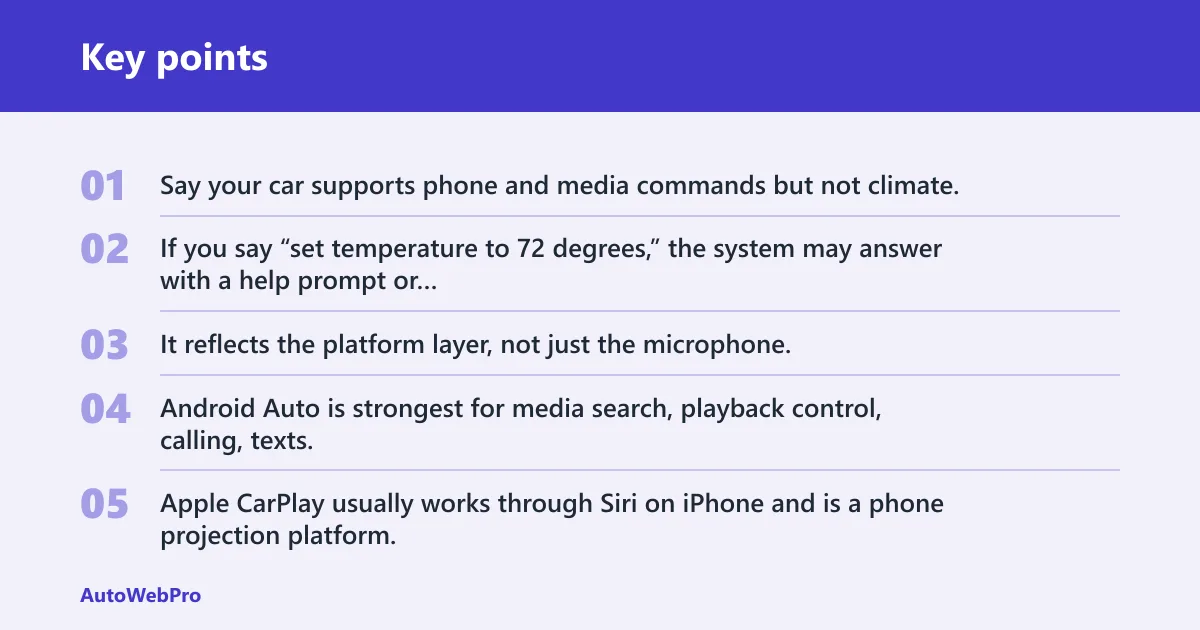
Say your car supports phone and media commands but not climate. If you say “set temperature to 72 degrees,” the system may answer with a help prompt or ignore the request entirely, while “call home” works right away. That difference is normal. It reflects the platform layer, not just the microphone.
What the matrix means in plain language
Android Auto is strongest for media search, playback control, calling, texts, and navigation handoff. Apple CarPlay usually works through Siri on iPhone and is a phone projection platform, not a full vehicle control system. Built-in OEM voice can sometimes reach deeper into climate and hardware settings, but the exact menu of commands depends on the car.
How car voice control works
Voice control starts with the hardware. A microphone array picks up speech from multiple directions, and cabin tuning tries to isolate the driver’s voice from road, wind, and engine noise. Noise-cancellation algorithms reduce that background sound before the system interprets the request.
After that, automatic speech recognition, or ASR, translates speech into text. Natural language understanding, or NLU, then tries to map the words to an intent and fill in details such as a destination, artist, or playlist. If the ASR step is off, the rest of the chain can fail even when the command itself is supported.
Some systems do the work on-board. Others send part of the request to the cloud. That split affects speed and reliability, especially when cell service is weak.
- Wake the system with a button, hotword, or steering-wheel control.
- The microphone array captures your speech.
- Noise cancellation reduces cabin sound.
- ASR converts speech to text.
- NLU identifies the intent and parameters.
- The infotainment system, phone platform, or connected assistant executes the action.
Are voice commands in cars the same as Siri or Google Assistant?
No. Siri and Google Assistant are assistants; car voice control is the larger control path that may use them, a built-in OEM system, or a phone projection platform. That is why two cars can use the same phone and still behave differently when you speak.
Apple CarPlay typically routes requests through Siri on iPhone. Android Auto often uses Google Assistant behavior on the phone side, while AAOS can expose vehicle voice actions directly through the car’s software stack. In some Android Automotive vehicles, Gemini has replaced Google Assistant, so the assistant name and capabilities may shift over time.
Built-in vehicle voice systems vs phone assistants
Built-in vehicle infotainment systems control media, navigation, phone, climate, and some vehicle settings through the car’s own software. Phone assistants live on the handset and can be projected into the car through Android Auto or Apple CarPlay. The difference matters because a projected assistant usually cannot reach deeper vehicle hardware unless the vehicle software explicitly allows it.
Picture a driver asking for “set temperature to 70” in a vehicle that supports built-in climate voice control. That command may work in the native system, yet the same request through a phone projection layer may fail or redirect to the car’s own interface. The route is different, so the result can be different.
Why do car voice commands fail?
Voice commands can fail for a few common reasons: cabin noise, accents, ambiguous wording, latency, no signal, and unsupported intent. None of those is rare. They are the most common limits of in-car speech control, especially in older systems or vehicles with weak microphones.
Noise, accents, and mic placement
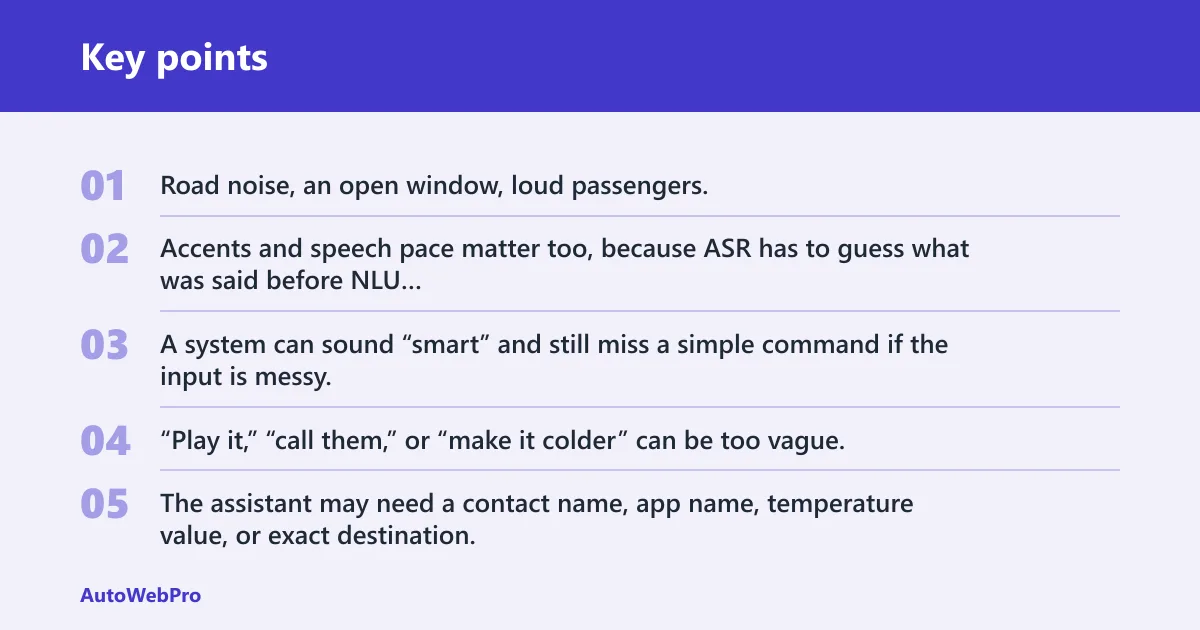
Road noise, an open window, loud passengers, and poor microphone placement can all reduce recognition quality. Accents and speech pace matter too, because ASR has to guess what was said before NLU can decide what to do. A system can sound “smart” and still miss a simple command if the input is messy.
Ambiguous wording and unsupported requests
“Play it,” “call them,” or “make it colder” can be too vague. The assistant may need a contact name, app name, temperature value, or exact destination. Some requests are simply outside the vehicle’s allowed commands, especially windows, seats, and other deeper functions.
No signal, latency, and account limits
Cloud-dependent commands can stall or fail when cellular service drops. Latency can make the system feel sluggish even when the command eventually works. Account sign-in, app permissions, region settings, and subscription access can also block a request that otherwise sounds valid.
Which car systems can respond to voice commands?
Three system types usually answer voice commands: the car’s built-in infotainment system, a phone projection platform such as Android Auto or Apple CarPlay, and a connected cloud assistant tied to the vehicle. The important difference is scope. Some can only handle media and navigation, while others can reach climate and selected hardware.
Built-in systems are the most likely to touch deeper vehicle functions. Android Auto and Apple CarPlay are best understood as projection layers that bring phone apps and assistants into the car. AAOS sits closer to the vehicle itself, which is why it can pass voice actions to apps through callbacks and support richer in-car playback control.
Frequently asked questions
Can I use voice commands to control music, navigation, and calls?
Yes. Those are the most common uses. Music playback, directions, and hands-free calling are widely supported across Android Auto, Apple CarPlay, Google Assistant, Siri, and many built-in systems. Support is still uneven, so a car may handle calls and navigation well but limit music search or contact details.
Do car voice commands work without internet or cell service?
Some commands do, but many do not. Basic local actions such as pause music or next song may work on-board, while search, directions, texts, and cloud-assisted requests often need connectivity. If the system relies on online speech recognition or map data, weak service can slow it down or stop it.
Why do car voice commands fail or mishear me in the car?
Common causes include cabin noise, poor microphone placement, accents, ambiguous wording, latency, no signal, and unsupported intent. A command can also fail if the wrong assistant is active or the app lacks permission. When the system asks for clarification, that is usually a sign that ASR or NLU could not match the request cleanly.